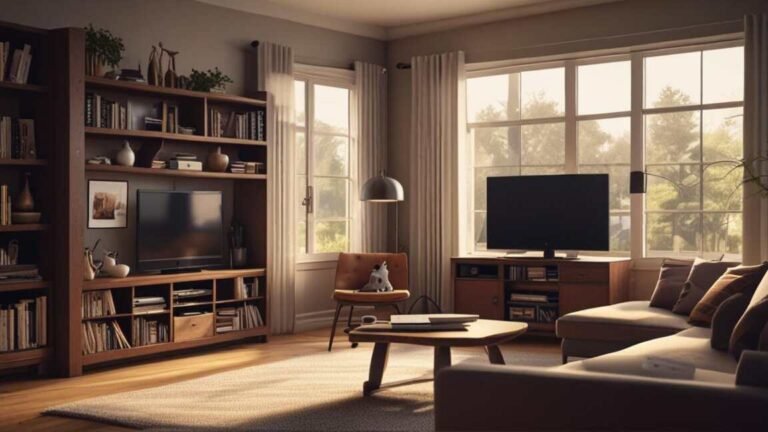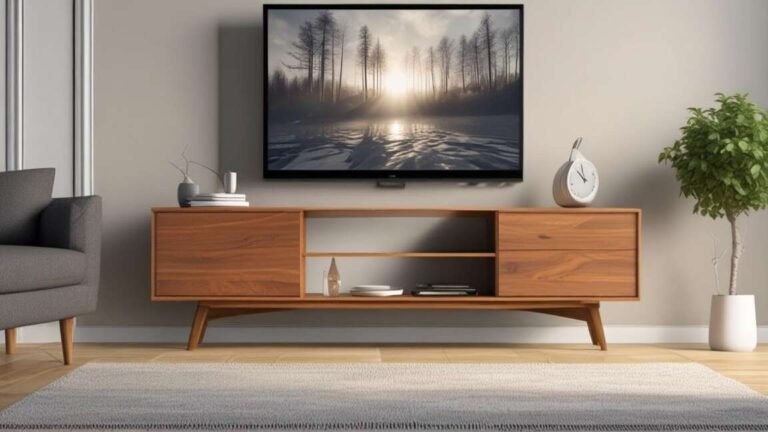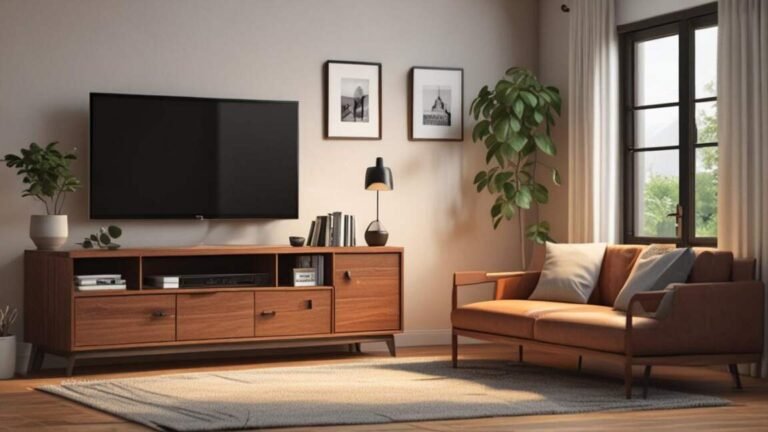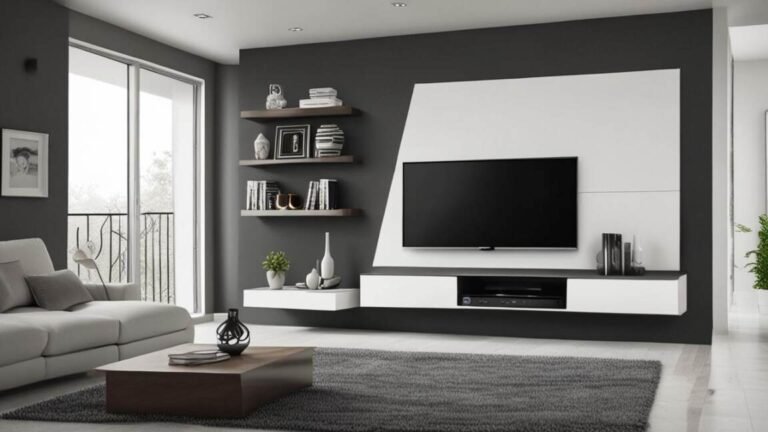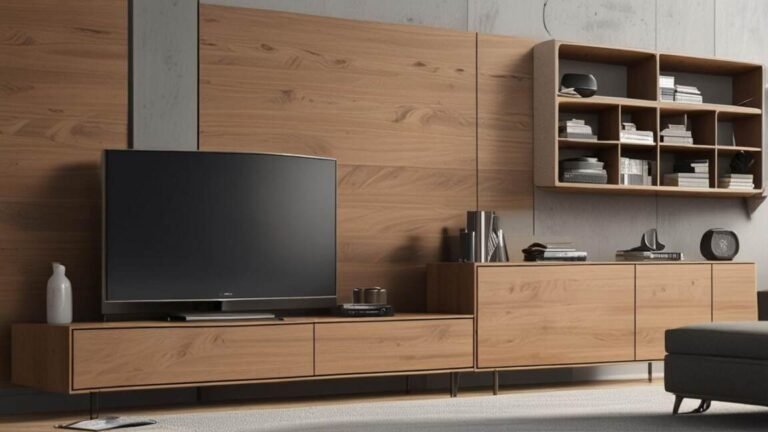
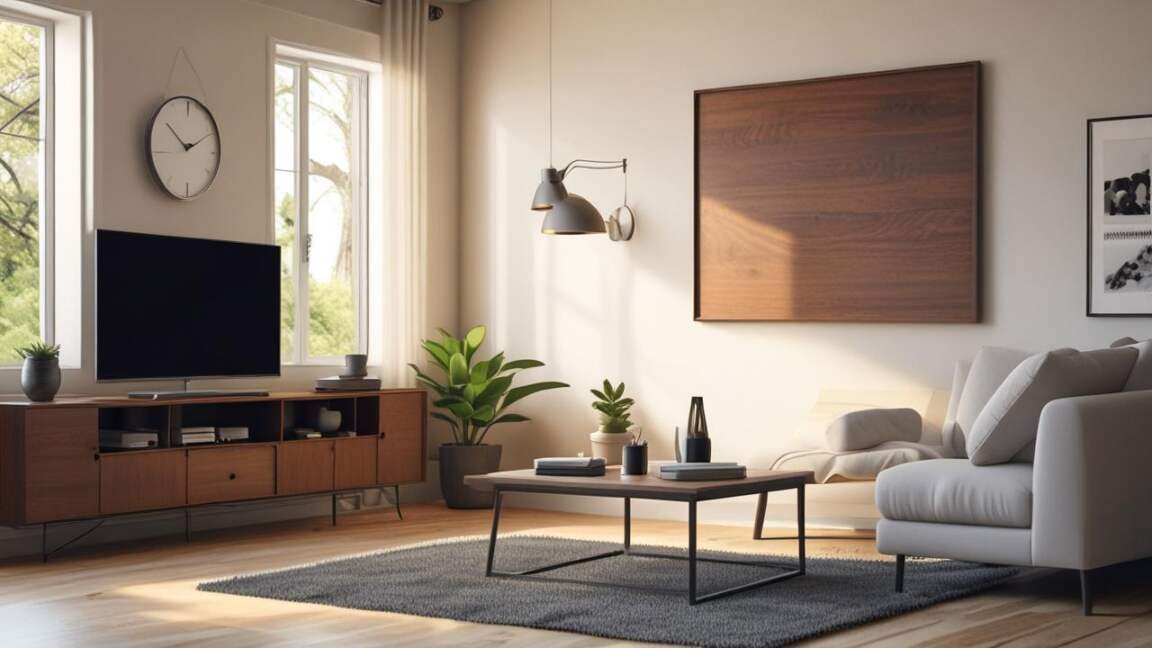
A TV stand should be replaced for good when it shows visible damage like cracks or warping, wobbles under the television's weight, or no longer accommodates the screen size and weight capacity required by your current TV. Safety risks such as tip-over accidents and poor ventilation for electronics are immediate concerns, and a compromised stand cannot reliably support the investment of your television. Replacing the stand with one that offers adequate weight support, proper cable management, and a secure fit ensures both functionality and safety for your home entertainment setup.
Your TV stand holds one of the most expensive items in your home. It needs to be safe, functional, and sized correctly for your television.
Quick Verdict: Simply put, you should replace your TV stand when it shows visible damage, wobbles under the weight of your TV, no longer fits your screen size, lacks proper cable management, or feels outdated in style. Safety and functionality are the top priorities. A damaged stand risks tip-over accidents and poor ventilation for electronics.
Key Takeaways
- A TV stand that wobbles or shows cracks cannot safely support your television and should be replaced immediately to prevent tip-over accidents.
- Most modern TV stands have a maximum recommended screen size and weight limit; exceeding those ratings puts your TV at risk of falling.
- Water damage, peeling veneer, and warped wood are clear signs that the structural integrity of a TV stand has been compromised.
- Cable management features and proper ventilation have become standard in newer TV stands, making older models less functional for today’s electronics.
- According to the U.S. Consumer Product Safety Commission, nearly 2,800 children are treated each year for injuries related to TV or furniture tip-overs.
How to Assess Your TV Stand for Visible Damage
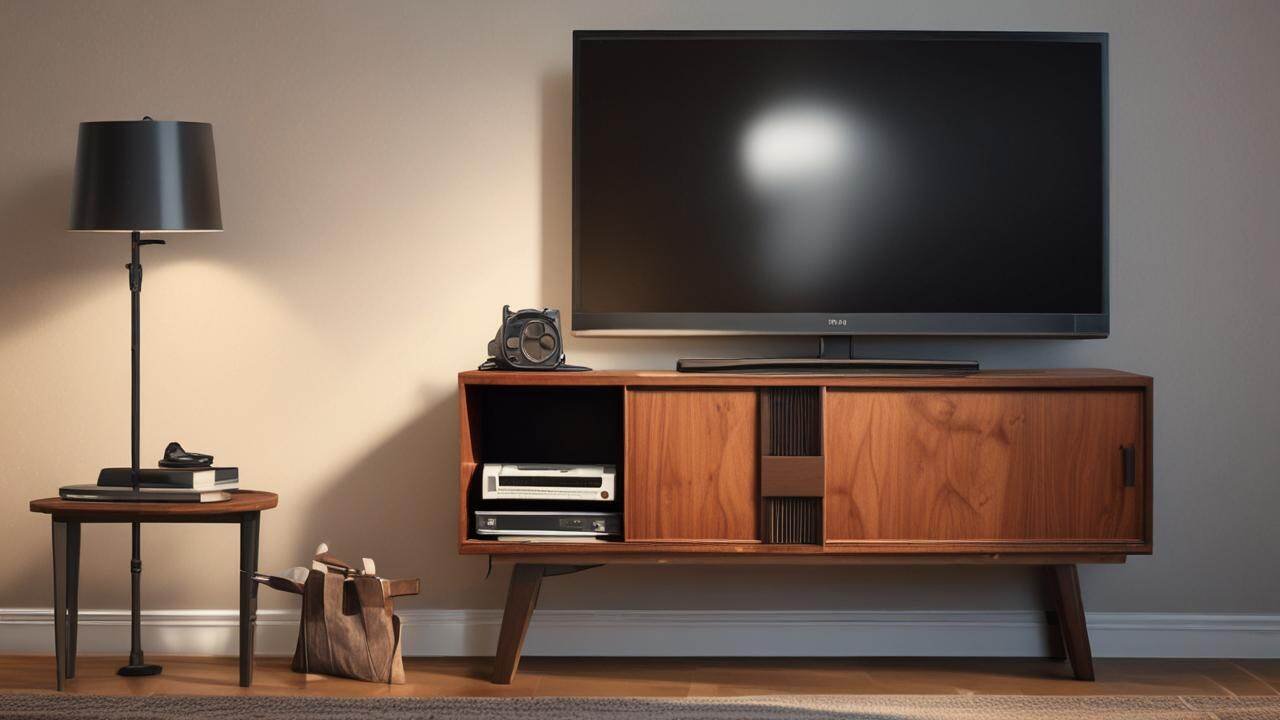
Start by looking at the stand from all angles. Check for cracks, splinters, or broken joints. According to, a well-made TV stand lasts 10-15 years with proper care. If yours is older than that, inspect it closely.
Warning: A single hairline crack in a load-bearing joint can worsen quickly. Do not place your TV back on a stand that shows structural damage until you have replaced it.
Common signs of structural damage include:
- Visible cracks or splits in the wood, especially near screws or joints.
- Warped or bowed shelves that no longer sit flat.
- Loose or missing screws that cannot be tightened securely.
- Water stains or discoloration that indicate rotting wood.
- Peeling laminate or veneer that exposes particleboard underneath.
Does Your TV Stand Fit Your Current TV Size?
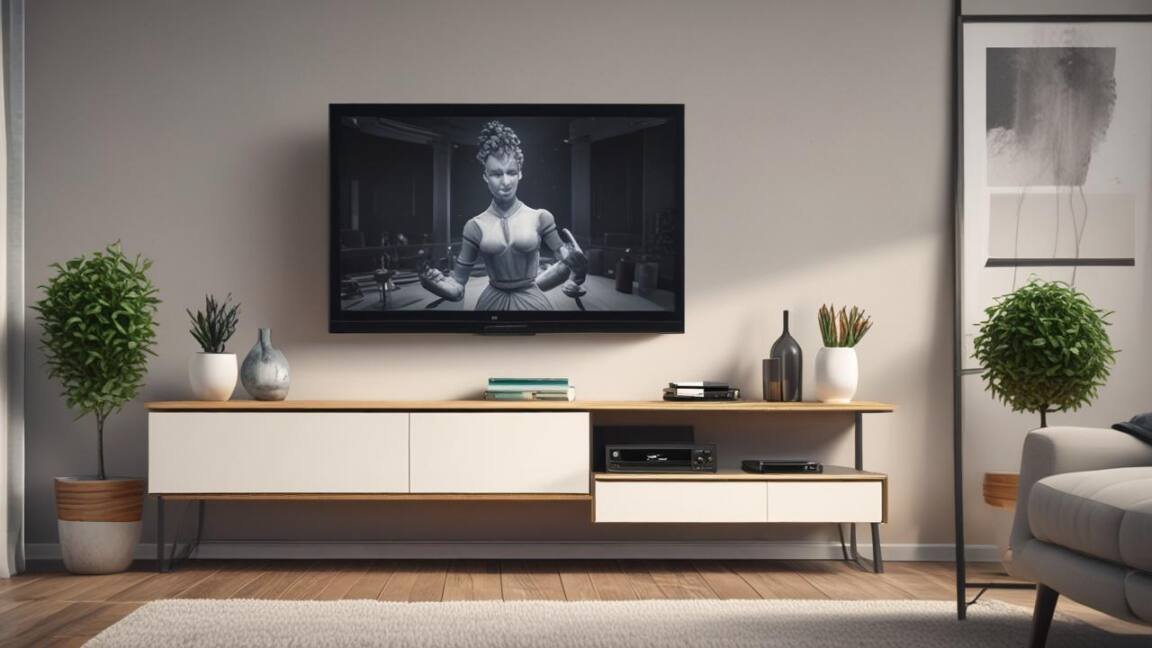
TV screens have grown significantly. According to, the average screen size purchased has jumped from 40 inches to over 55 inches in the past decade. A stand that fit a 32-inch set may be far too small for a modern 65-inch television.
Your TV stand should be at least as wide as your TV. Ideally, it should be 3-6 inches wider on each side for stability. If your TV hangs over the edges, it is time to replace your TV stand with one that properly supports the screen.
Measure your TV and stand:
- TV width: measure from edge to edge (not diagonal).
- Stand width: measure the top surface area.
- Stand depth: ensure the TV base fits without overhang.
- Weight capacity: check the stand’s maximum load rating.
Common Reasons to Replace a TV Stand for Good
There are many reasons a TV stand may need replacement. Below is a breakdown of the most common problems and what they mean for safety and usability.
| Issue | Risk | Action |
|---|---|---|
| Wobbly or unstable frame | TV tip-over, injury | Replace immediately |
| Water damage or warping | Structural failure | Replace ASAP |
| TV overhangs edges | Unstable, can tip | Replace with wider unit |
| No cable management | Clutter, dust buildup | Consider replacement |
| Outdated style | Low resale value | Personal choice |
| Poor ventilation for electronics | Overheating, shorter life | Replace with ventilated unit |
Does Your TV Stand Weigh Enough for Your TV?
Every TV stand has a weight rating. Most stands range from 50 to 150 pounds. A modern 65-inch television weighs around 50-60 pounds. A 75-inch model can exceed 80 pounds. Your stand must handle the weight of your TV plus any accessories like a soundbar or gaming console.
Important: Always check the weight capacity of a new TV stand before buying. Look for a label on the packaging or in the product manual. If you cannot find it, contact the manufacturer.
If your current stand feels overloaded, do not wait. Replace it with a model that has a higher weight limit. Overloading a stand can cause collapse at any time.
Common Myths vs Facts About TV Stand Replacement
Many homeowners hold misconceptions about when and why to replace your TV stand. Here are the most common myths and the facts that debunk them.
Myth: A TV stand lasts forever if it looks fine on the outside.
Fact: According to, the life expectancy of a media console is about 10 years. Wood can weaken internally even without visible cracks.
Myth: You can always fix a wobbly TV stand with glue or screws.
Fact: Glue and screws cannot restore structural integrity to warped or water-damaged particleboard. Once the material is compromised, replacement is the only safe option.
Myth: A smaller TV stand is fine as long as the TV fits on top.
Fact: Many modern TVs have wide bases or legs. If the base overhangs the stand by more than an inch, the TV is at risk of tipping. Always check the width and depth compatibility.
How to Choose the Right Replacement TV Stand
When you decide to replace your TV stand, focus on these key factors.
Size and Fit
Measure your TV width and depth. Then add 3-6 inches on each side for safety. The stand should be at least as wide as the TV. A good rule is to match the stand width to the TV width or make it wider.
Material Quality
Solid wood stands offer the best durability. Engineered wood with a thick veneer can also work well. Avoid stands made entirely of thin particleboard if you have a heavy TV.
Weight Capacity
Check the maximum weight rating. It should exceed your TV’s weight by at least 20 percent. This gives you room for adjustments and accessories.
Storage and Cable Management
Look for stands with built-in cable routing holes or channels. Open shelves provide better airflow for gaming consoles and streaming devices. Closed cabinets hide clutter but may limit ventilation.
Style and Decor
Choose a finish that matches your room. Popular options include black, white, walnut, and natural oak. Make sure the stand fits the overall aesthetic of your space.
Step-by-Step Process for Replacing Your TV Stand
Follow these steps to replace your TV stand safely and efficiently.
- Measure your TV and space. Write down the width, height, depth, and weight of your TV. Measure the area where the stand will go.
- Set a budget. TV stands range from under $100 for basic models to over $1,000 for solid wood pieces. Know your budget before you shop.
- Choose a stand that exceeds your TV requirements. Go wider and heavier than you think you need. This gives you room for a larger TV in the future.
- Clear the old stand. Remove your TV carefully with a second person. Disconnect all cables and label them. Remove any items from shelves.
- Assemble the new stand. Follow the instructions exactly. Use a level to ensure it is even on the floor. Tighten all screws securely.
- Place the TV on the new stand. Center the TV and push it back against the wall. Use a furniture strap to anchor the stand to the wall if possible.
- Organize your cables. Route cables through the management holes. Use zip ties or velcro straps to keep them tidy.
Resources and Tools for Replacing Your TV Stand
- Furniture Anchors and Straps – Safety devices that secure your TV stand to the wall to prevent tip-overs.
- TV Stand Buying Guide (Consumer Reports) – Detailed reviews and recommendations for TV stands of all sizes and materials.
- Home Depot TV Stand Selection Tool – Filter by size, material, weight capacity, and price to find the right stand for your TV.
- IKEA TV Stands – Affordable options with built-in cable management and modern designs.
Frequently Asked Questions
How often should I replace my TV stand?
Replace a TV stand every 10-15 years, or sooner if you see visible damage, upgrade to a larger TV, or find the style outdated. According to the National Association of Home Builders, most media consoles last around 10 years.
Can I repair a wobbly TV stand instead of replacing it?
In most cases, no. A wobbly stand usually has damaged joints or weakened material. Glue and extra screws may provide a temporary fix but cannot restore full safety. Replacement is the better choice.
What size TV stand do I need for a 65-inch TV?
A 65-inch TV is typically about 57 inches wide. Your stand should be at least 60 inches wide. A 66- to 72-inch stand gives you safety margin and room for accessories.
Is it safe to place a TV on an old wooden dresser?
Only if the dresser is sturdy, wide enough, and has a weight capacity that exceeds your TV. Many dressers lack the ventilation and cable management that a proper TV stand provides. Use a furniture anchor for safety.
What is the best material for a TV stand?
Solid wood offers the best durability and lifespan. Engineered wood with a hardwood veneer is a good mid-range option. Metal and glass stands look modern but may show wear faster and have lower weight limits.
Final Thoughts
A TV stand that wobbles, shows damage, or no longer fits your screen is a safety risk that you should address quickly. Measure your current setup, choose a stand that exceeds your needs in width and weight capacity, and anchor it to the wall. Taking these steps will protect your television and your family. Using furniture anchors and straps can prevent your TV stand from tipping over and causing injury.
Consult a TV Stand Buying Guide from Consumer Reports to find a model that meets your needs.