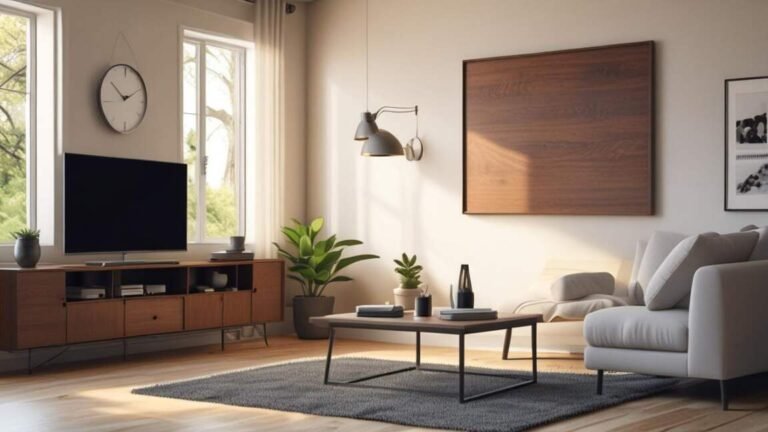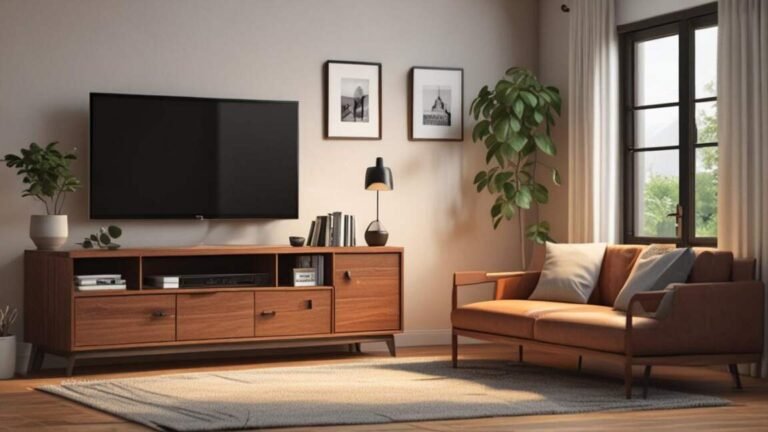
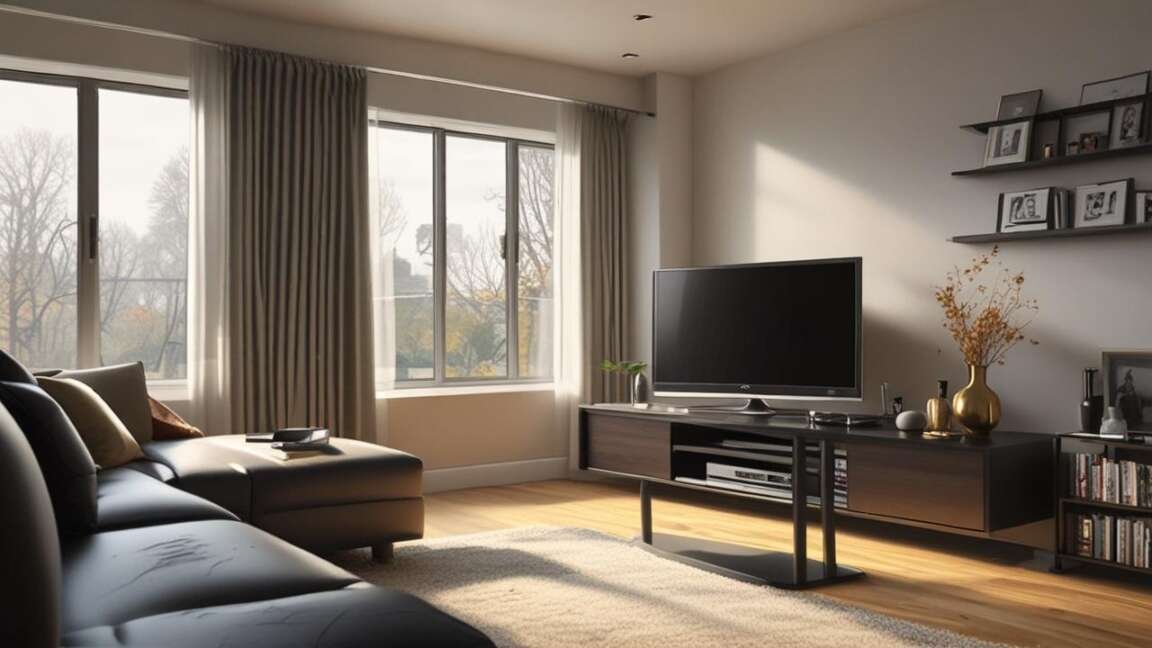
Corner TV stands demand precise measurement because most apartment corners are not perfectly 90 degrees due to baseboards or irregular walls, often leading to poor fit. Buyers must check weight capacity, as many budget stands support less than 30 pounds while standard flat-screen TVs weigh 25 to 50 pounds, creating a safety risk. Integrated cable management is essential since the back corner becomes nearly inaccessible once the stand is placed, making built-in grommets or cutouts a necessity for organization.
You found the perfect corner spot for your TV, but buying a corner stand feels like a guessing game. Nobody warns you about the quirks of corner TV stands until you are struggling to fit cables or cursing at crooked shelves.
Quick Verdict: Corner TV stands save floor space but require careful measurement, cable planning, and weight checks. Most apartment dwellers buy the wrong size or forget about corner angle differences. Measure your corner space, choose a stand with cable management, and verify weight capacity before purchasing.
Key Takeaways
- Corner TV stands typically require a corner angle of exactly 90 degrees, but many apartment corners are not perfectly square due to baseboards or irregular walls.
- Standard flat-screen TVs weigh between 25 and 50 pounds, and bargain-priced corner stands often have weight limits below 30 pounds – a common safety risk.
- Cable management is not optional for corner stands because the back corner is hard to reach once the stand is in place; look for built-in grommets or open back panels.
- Deep corner stands (over 20 inches) can crowd the room and make walking past the stand difficult in small apartments.
- Most corner stands sold online list dimensions as “fits up to X-inch TV” but that rating assumes a square corner stand – your actual TV might extend beyond the frame.
How to Measure Your Corner Space Correctly
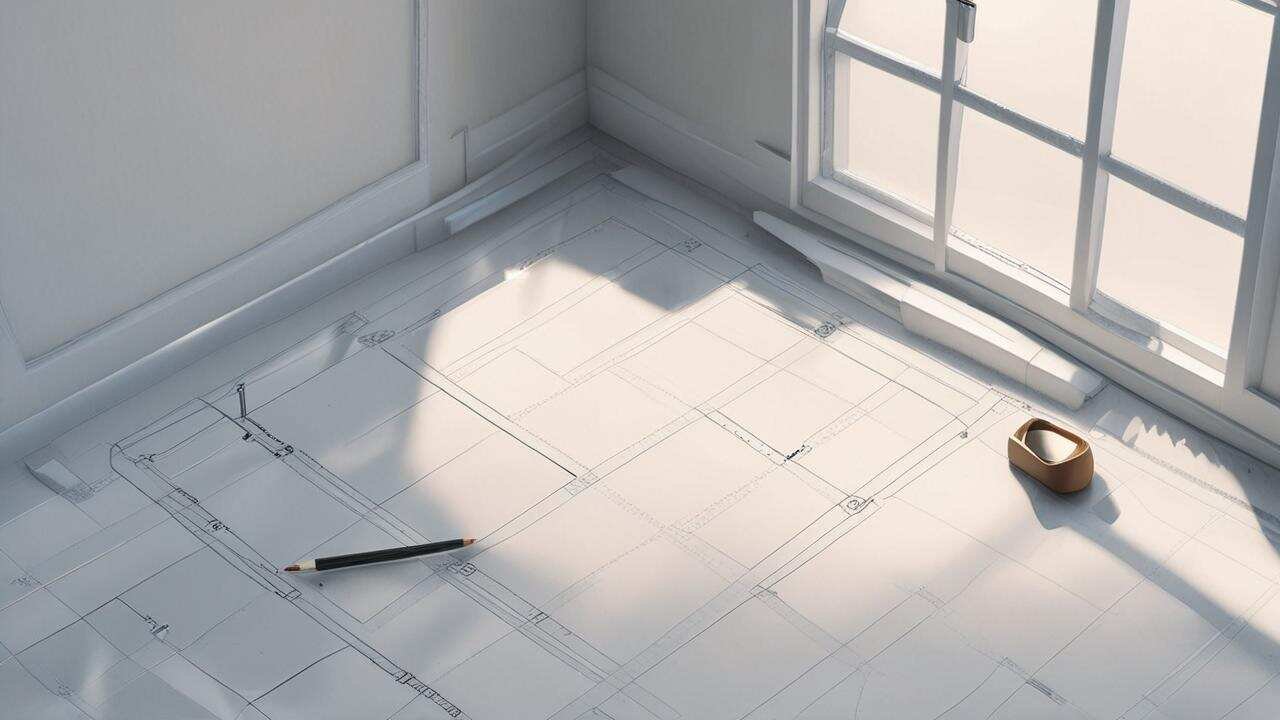
Many people buy a corner TV stand by eyeing the corner and guessing the size. That approach leads to returns and frustration. You need to measure three things: the corner angle, the wall lengths on each side, and the depth from the corner out into the room.
Start by checking if your corner is 90 degrees. Use a simple carpenter’s square or a piece of paper folded exactly in half. Place it in the corner. If the paper does not sit flush against both walls, your corner is not square. In that case, look for a stand with adjustable shelves or an open back design that can accommodate an imperfect angle.
Warning: A non-square corner can cause a corner stand to wobble or leave a gap between the stand and the wall. Test your corner angle before buying. If the gap is more than half an inch, the stand will look off and may not support your TV safely.
Next, measure the wall space on each side of the corner. Write down the width from the corner to the nearest window, doorway, or furniture. A corner stand should not block walkways or make the room feel cramped. Most apartment corners have at least 36 inches of wall space on each side, but confirm yours.
Finally, measure the depth from the corner into the room. This is the distance from the corner point to an imaginary line across the front of the stand. A shallow corner stand (12-16 inches deep) works for small TVs and tight spaces. A deep stand (18-24 inches) offers more shelf space but can stick out into the room, narrowing the walkway.
| Measurement | How to Measure | Ideal Range for Apartments | Why It Matters |
|---|---|---|---|
| Corner angle | Use a carpenter’s square or folded paper | 88-92 degrees | Prevents wobble and gaps |
| Wall length each side | Measure from corner to nearest obstruction | Minimum 24 inches per side | Ensures stand fits without blocking |
| Depth from corner | From corner point to front of planned stand | 12-18 inches | Avoids crowding the room |
What Nobody Tells You About Weight Capacity
Corner TV stands often look sturdy, but many budget models have a maximum weight capacity of 30 to 40 pounds. A typical 50-inch LED TV weighs around 25 to 30 pounds without the stand base. If you add a soundbar, media player, or gaming console on the shelf below, the combined weight can easily pass the limit.
Check the manufacturer’s specification for both the TV platform and the total stand weight capacity. Some stands list separate limits for the top shelf and the lower shelves. The top shelf must support the TV alone; the lower shelves must hold your electronics.
Important: The weight limit is not just about the stand breaking. A stand that is overloaded can tip forward, especially in a corner where the TV’s weight is offset. Always tip-anchor your TV stand to the wall, even if the stand seems stable. Use furniture straps that screw into wall studs.
Another hidden issue: the weight distribution in a corner stand. Because the support legs or base are often farther apart at the front and narrower at the back, an uneven load can make the stand rock. If your TV has a wide VESA pattern, the stand’s mounting area might not line up properly. Measure your TV’s VESA pattern (the distance between mounting holes) – common sizes are 200×200 or 400×400. Verify that the stand’s top plate or bracket accepts that pattern.
For heavy TVs over 40 pounds, consider a corner TV stand with a steel frame or a thick solid wood top. Many particleboard stands fail at the joints after a year or two. According to a, stands made of medium-density fiberboard (MDF) are less durable than plywood or hardwood. Look for MDF that is at least 0.5 inches thick in the top panel.
Cable Management: The Hidden Challenge
Corner stands are notorious for cable mess because the back corner is a dark, tight space. Once you place the stand in the corner, you cannot easily reach behind it to plug in cables or adjust wires. Plan your cable routing before you push the stand into place.
Look for a corner stand with built-in cable management features: grommets (circular holes with covers) in the shelves, an open back panel, or channels that run along the back edge. The best stands have holes in the top platform so you can drop cables straight down from the TV to the shelves below.
Tip: If your stand lacks grommets, buy adhesive cable clips and stick them to the back of the stand. Run cables along the back edge and tape them in place with Velcro straps. This keeps wires hidden and prevents them from getting pinched when you slide the stand into the corner.
You also need to consider the power outlet location. Most apartment corners have one outlet, often at baseboard height. Your TV and devices may need a power strip with a long cord. Measure the distance from the corner outlet to where the stand will sit. A 6-foot power strip usually works, but sometimes you need a 10-foot extension cord with a surge protector rated for electronics.
| Cable Management Solution | Best For | Cost | Ease of Setup |
|---|---|---|---|
| Built-in grommets | Permanent wire routing | Included with stand | Very easy |
| Adhesive cable clips | Retrofitting existing stands | Under $10 | Easy |
| Cable raceway kits | Wall-mounted cable hiding | $15-$30 | Moderate |
| Wireless HDMI (for cable-free) | No visible cables at all | $100-$300 | Hard (requires setup) |
Size Confusion: “Fits Up To X Inches” Is Often Wrong
The number on the box – “fits up to 55-inch TV” – refers to the diagonal screen size, not the physical length of the stand. A corner stand’s top platform may be only 28 inches wide on each side. A 55-inch TV is about 49 inches wide and 28 inches tall. If the stand’s top platform is not wide enough to support the TV base, the TV will overhang dangerously.
Check the product dimensions, not the TV size claim. Measure the width and depth of the top shelf. Your TV’s base should sit entirely on that shelf with at least an inch of clearance on each side. For corner stands, the base of the TV must fit within the triangular or L-shaped top surface. Many corner stands have a rectangular top that extends across the corner, but the actual usable area is smaller than the overall width.
Warning: Do not trust the TV size rating on the product listing. A 50-inch TV may physically fit but extend past the front edge of the stand, creating a tip hazard. Always compare the TV base dimensions against the stand’s top shelf dimensions. The safest rule: the TV base should fit within the stand’s top surface without any overhang.
Another common mistake: assuming that a corner stand designed for a large TV will also work in a small corner. The stand itself might be too deep or wide for your space. Check the product’s overall dimensions – width from outer edge to outer edge, depth from front to back, and height. A corner stand that fits a 65-inch TV is usually massive and can overwhelm a typical apartment corner.
Material and Finish: What Works for Apartments
Corner TV stands come in three main materials: solid wood, engineered wood (MDF or particleboard), and metal. Each has trade-offs for apartment living.
Solid wood stands are heavy, durable, and expensive. They can support heavy TVs and resist scratches. But they are hard to move if you need to rearrange your apartment. Also, solid wood can warp in humid environments, so avoid it in condos or apartments with poor ventilation near windows.
Engineered wood (MDF or particleboard) is the most common material for corner stands under $300. It is lighter and cheaper than solid wood, but it can chip or swell if exposed to moisture. Many MDF stands come with a laminate finish that mimics wood grain. The quality depends on the thickness – look for top panels at least 0.5 inches thick. Avoid particleboard thinner than 0.5 inches because it may sag under TV weight over time.
Metal corner stands (often steel or aluminum) are sleek and modern. They are usually lighter and easier to assemble. Some metal stands have glass shelves, which can reflect light and add a contemporary look. However, metal stands may not have cable management features, and the open design means cables are visible. Also, metal can scratch walls if the stand shifts inside the corner.
For apartments, engineered wood with a durable laminate finish offers the best balance of cost, weight, and appearance. Choose a stand with a scratch-resistant finish, especially if you have pets or children. A glossy white or dark espresso finish can hide dust and fingerprints better than matte surfaces.
Assembly Nightmares: Corner Stands Are Harder to Build
Corner TV stands have angled frames, diagonal supports, and irregular shelves that make assembly more complex than a straight stand. The instructions often assume the corner is exactly 90 degrees, which it may not be. You may need to adjust the legs or levelers after assembly.
Plan for at least 60-90 minutes of assembly time for a corner TV stand. The average straight TV stand takes 30-45 minutes. Have a power screwdriver ready because many stands have dozens of screws. Check the assembly video before buying – if the video shows complicated angled joints or many small parts, consider a simpler model.
Tip: When assembling, do not tighten all screws completely until the entire frame is together. This allows slight adjustments to align the shelves. Once the stand is fully assembled and placed in the corner, then go back and tighten every screw. This prevents wobble.
Another hidden problem: particleboard corner stands often split at the screw holes if you overtighten. Use a manual screwdriver for the final quarter-turn. If a screw hole strips, use wood glue or toothpicks with glue to fill the hole, then reinsert the screw.
Some corner stands require you to attach the base to the wall for safety. Even if the stand is in a corner, it can still tip sideways if the TV is heavy. Use the included wall anchor or buy universal furniture straps. Attach them to a wall stud, not just drywall. A states that a TV tip-over occurs every 45 minutes in the US, with many cases involving corner stands that were not anchored.
Common Myths vs Facts
Myth: All corners are 90 degrees, so any corner stand fits.
Fact: Apartment walls are rarely perfectly square. Baseboards, tile, and settling can create gaps. Adjustable stands or open-back designs handle imperfect corners best.
Myth: A corner stand saves tons of floor space.
Fact: Corner stands actually use the corner dead zone, but they can stick out 18-24 inches into the room. That depth may block traffic flow more than a straight stand placed against a wall. Measure both options before deciding.
Myth: You can put any size TV on a corner stand.
Fact: The TV size rating on the box is a guideline, not a guarantee. You must compare the TV base dimensions with the stand’s top platform. Overhang is a safety hazard.
What to Look for in a Corner TV Stand
When you shop, focus on these five features. Use them to evaluate every stand you consider.
- Weight capacity – at least 50 pounds total, with the top shelf supporting the TV’s weight alone.
- Cable management – built-in grommets or an open back panel. Avoid stands with solid backs if you have many cables.
- Corner compatibility – some stands come with adjustable feet or levelers to handle imperfect corners.
- TV base fit – the top shelf should be at least as wide as your TV base plus 2 inches on each side.
- Safety anchor options – includes wall anchor holes or straps. Do not skip this.
Use this checklist when reading product details online. If any of these features are missing in the description, the stand is likely a poor fit for apartments.
Resources and Tools
IKEA Brimnes TV stand – Affordable corner unit with cable management and adjustable shelves.
Amazon Basics Corner TV Stand – Budget-friendly MDF stand with a weight capacity of 40 pounds.
Consumer Reports TV Stand Buying Guide – Independent testing and recommendations.
CPSC Tip-Over Prevention – Safety guidelines and anchor recommendations.
Frequently Asked Questions
What is the best material for a corner TV stand in an apartment?
Engineered wood (MDF) with a laminate finish is the best balance of cost, weight, and durability. Avoid particleboard thinner than 0.5 inches. Solid wood is heavy and pricey for rentals.
How do I secure a corner TV stand to the wall?
Use furniture anchor straps that screw into wall studs. Place one strap around the stand’s top and another around the TV’s base. Most corner stands have pre-drilled holes for anchors. Do not rely on drywall anchors alone.
Can I put a 55-inch TV on a corner stand?
Yes, if the stand’s top platform is at least 30 inches wide and 18 inches deep for the TV’s base. Measure your TV base dimensions first. Many 55-inch TVs have bases that are 30-36 inches wide.
Why does my corner TV stand wobble?
Common causes: uneven floor, imperfect corner angle, or loose screws after assembly. Use the leveling feet to adjust. If the stand still wobbles, place thin shims (felt pads or cardboard) under the low side.
How deep should a corner TV stand be for a small apartment?
Aim for 12-16 inches depth. This prevents the stand from sticking too far into the room. Deeper stands (18+ inches) are better for larger TVs but can crowd tight spaces.
Final Thoughts
Corner TV stands offer a smart use of unused space, but only if you measure carefully and plan for cable management. Focus on weight capacity and safety anchoring first. The right stand will blend into your apartment without dominating the room. Test your corner angle, compare dimensions, and always secure the stand to the wall. Your viewing setup will be both functional and safe.