

The 4 chair adjustments to make before spending 8 hours at a desk are seat height, backrest angle, lumbar support, and armrest height. Correctly setting chair height keeps feet flat on the floor with knees at a 90-degree angle, while lumbar support maintains the natural curve of the lower back and armrests allow shoulders to stay relaxed. These adjustments prevent neck, shoulder, wrist, and lower-back strain, making prolonged seated work more comfortable and sustainable without causing musculoskeletal discomfort.
The 4 chair adjustments to make before spending 8 hours at a desk are seat height, backrest angle, lumbar support, and armrest height.
Feet should rest flat, hips and knees feel level, the lower back should be supported, and shoulders should stay relaxed. Poor adjustment can cause neck, shoulder, wrist, and lower-back strain.
Sitting for long hours can really take a toll on your body, leading to aches and pains that make your workday miserable.
But did you know that a few simple tweaks to your office chair can make a huge difference? Getting your seating just right is key to staying comfortable and productive.
We’ll cover The 4 Chair Adjustments To Make Before Spending 8 Hours at a Desk so you can feel better, focus more, and avoid that end-of-day slump. These changes help you sit smarter, not just longer.
Key Takeaways
- Proper chair height ensures your feet are flat on the floor and your knees are at a 90-degree angle.
- Adjusting lumbar support correctly helps maintain the natural curve of your lower back.
- Armrest settings should allow your shoulders to relax and prevent strain on your neck and upper back.
- Seat depth adjustment prevents pressure behind your knees and supports your thighs.
- These adjustments work together to create an ergonomic setup that reduces fatigue and improves posture.
- Making these simple chair adjustments can significantly boost your comfort and productivity during long workdays.
Setting the Right Chair Height for Your Feet
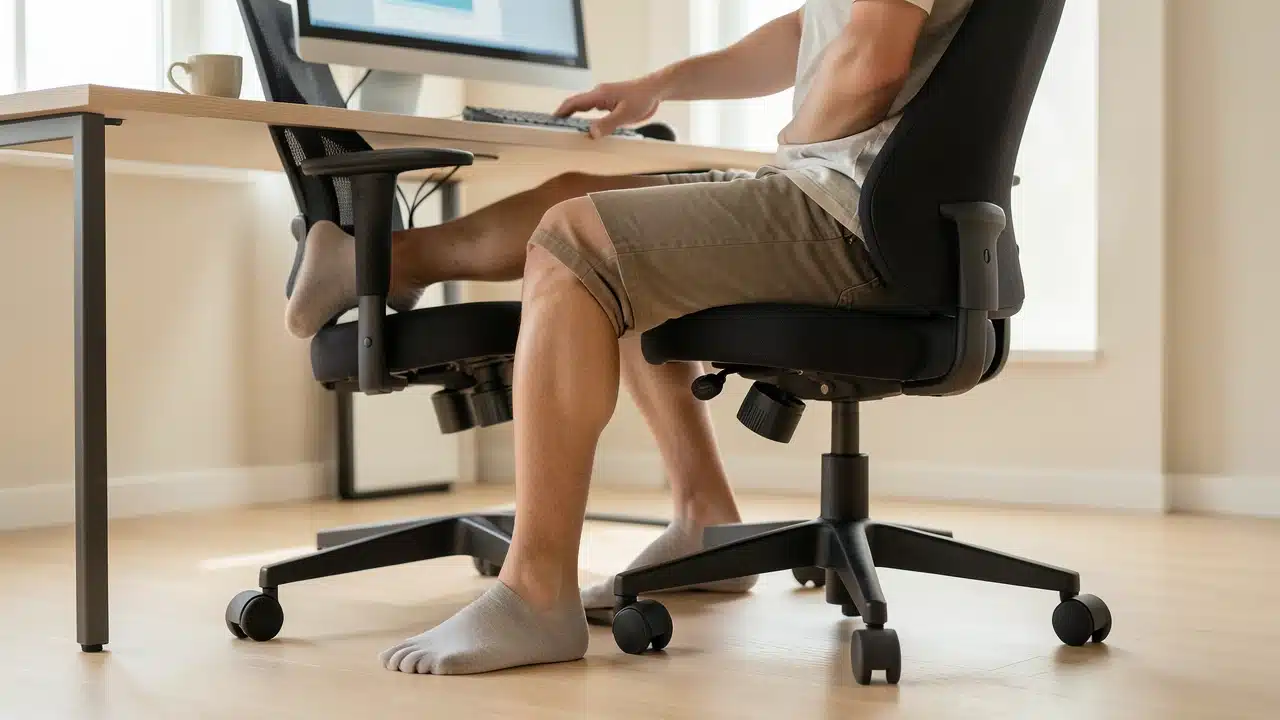
Getting your chair height correct is the first and most important step. When you sit, your feet should rest flat on the floor. Your knees should bend at about a 90-degree angle, or slightly lower than your hips.
This position helps distribute your weight evenly and reduces pressure on your thighs. If your chair is too high, your feet will dangle, putting strain on your legs. If it's too low, you might hunch over your desk, leading to back and neck pain.
Many office chairs have a lever underneath the seat. Pulling this lever up or down while you are seated will adjust the height.
You might need to lift your weight slightly as you pull the lever to raise the chair, or gently push down to lower it.
Finding that sweet spot where your feet are comfortably grounded is crucial. This simple adjustment is one of The 4 Chair Adjustments To Make Before Spending 8 Hours at a Desk that lays the foundation for good posture.
Why Foot Support Matters
When your feet are supported, your entire body feels more stable. It allows your leg muscles to relax. This also helps with blood circulation.
Poor leg circulation can lead to swelling and discomfort, especially after sitting for a long time. A chair that is set to the correct height helps prevent these issues.
Achieving Optimal Lumbar Support for Your Back
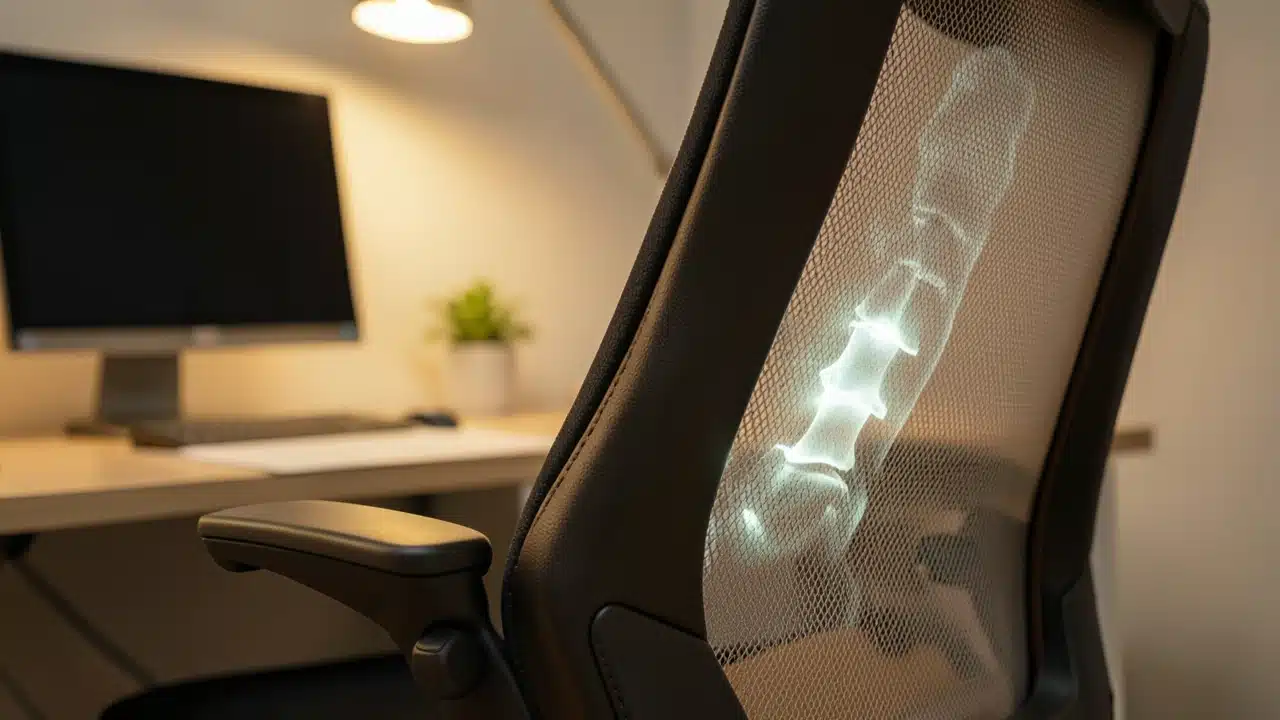
Your lower back has a natural inward curve. Good lumbar support helps maintain this curve while you sit. This prevents you from slouching, which can strain your spine.
Many chairs have a built-in lumbar support that can be moved up and down. Some chairs also allow you to adjust the depth of the support. You want the support to fit snugly into the curve of your lower back.
If your chair doesn’t have adjustable lumbar support, you can use a rolled-up towel or a small cushion. Place it in the small of your back. The goal is to feel gentle pressure that encourages a slight forward tilt of your pelvis.
This helps your spine stay in its natural alignment. Proper lumbar support is a key part of The 4 Chair Adjustments To Make Before Spending 8 Hours at a Desk for preventing back pain.
Finding Your Lumbar Curve
Sit upright in your chair and place your hands on the back of your hips. Feel the natural curve where your lower back meets your pelvis. Your lumbar support should fill this space.
It shouldn’t feel like it’s pushing your back too far forward or feel like a hard edge. It should feel comfortable and supportive.
Positioning Armrests for Shoulder and Neck Relief
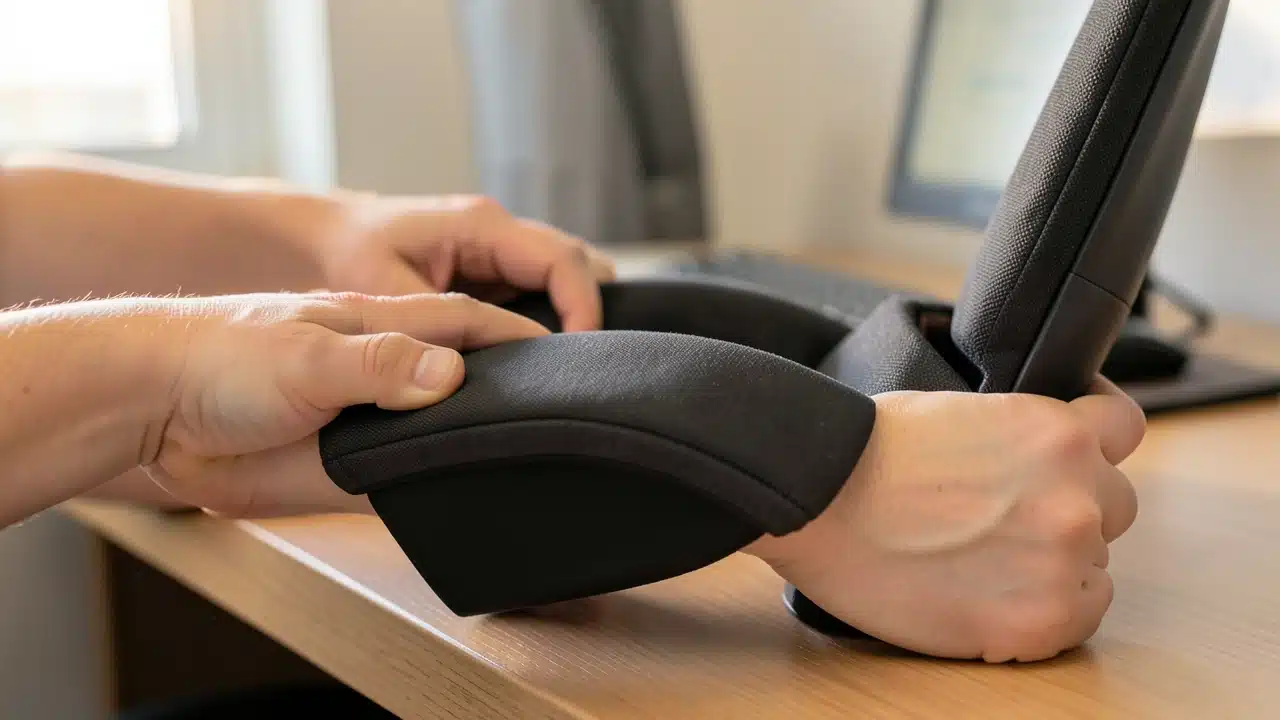
Armrests are designed to support your arms and shoulders. When adjusted correctly, they help take pressure off your neck and upper back. Your elbows should rest at about a 90-degree angle when your arms are on the armrests.
Your shoulders should feel relaxed, not hunched up towards your ears. If your armrests are too high, they can force your shoulders up. If they are too low, they won’t provide much support.
Look for chairs with adjustable armrests. You should be able to move them up, down, forward, backward, and sometimes even pivot them. Take your time to find the position that feels most comfortable for your arms.
This is another one of The 4 Chair Adjustments To Make Before Spending 8 Hours at a Desk that directly impacts your upper body comfort. Good armrest positioning can prevent headaches and stiffness.
Armrest Adjustment Tips
Start by placing your arms comfortably on the armrests. Notice if your shoulders are tense. If they are, adjust the armrest height until your shoulders can relax.You might also find that adjusting the width of the armrests helps. This allows your forearms to rest naturally without your elbows sticking out too far.
Adjusting Seat Depth for Proper Thigh Support
The seat depth refers to how far forward or backward the seat cushion extends. Proper seat depth ensures that your thighs are well-supported without putting pressure on the back of your knees.
When sitting correctly, there should be about two to three fingers’ width between the edge of the seat and the back of your knees.
This gap is important for good blood flow.
Chairs with adjustable seat depth usually have a lever or knob underneath the seat. Sliding the seat forward or backward allows you to find the perfect fit. If your chair doesn’t have this feature, you might need to use a footrest to achieve the correct leg position.
This final adjustment is part of The 4 Chair Adjustments To Make Before Spending 8 Hours at a Desk and is vital for preventing leg fatigue and numbness.
The Importance of Seat Depth
Too much pressure behind the knees can cut off circulation. This can lead to tingling or a feeling of pins and needles. It can also cause discomfort over time.
A seat that is too short won’t support your thighs fully, leading to pressure points on your hips. Getting the seat depth right ensures even weight distribution.

Putting It All Together: Your Ergonomic Setup
Once you’ve made these four chair adjustments, take a moment to assess your overall posture. Your back should be supported by the chair’s backrest, with the lumbar support fitting comfortably. Your feet should be flat on the floor.
Your arms should be resting comfortably on the armrests. Your desk height should also be considered in relation to your chair. Your elbows should be at about a 90-degree angle when typing.
This complete ergonomic setup is the goal of making The 4 Chair Adjustments To Make Before Spending 8 Hours at a Desk.
It's not just about comfort; it's about preventing long-term health issues. Consistent good posture can reduce the risk of carpal tunnel syndrome, back problems, and neck pain.It also helps you stay focused and feel less tired throughout the day.
Desk and Monitor Placement
While we’re focusing on the chair, remember that your desk and monitor play a role too. Your monitor should be at eye level. This means the top of the screen should be at or slightly below your eye level. Ensuring you adjust seat depth correctly prevents pressure behind the knees.
This prevents you from craning your neck up or down. Your keyboard and mouse should be close enough so you don’t have to reach for them.
Comparing Chair Adjustment Features
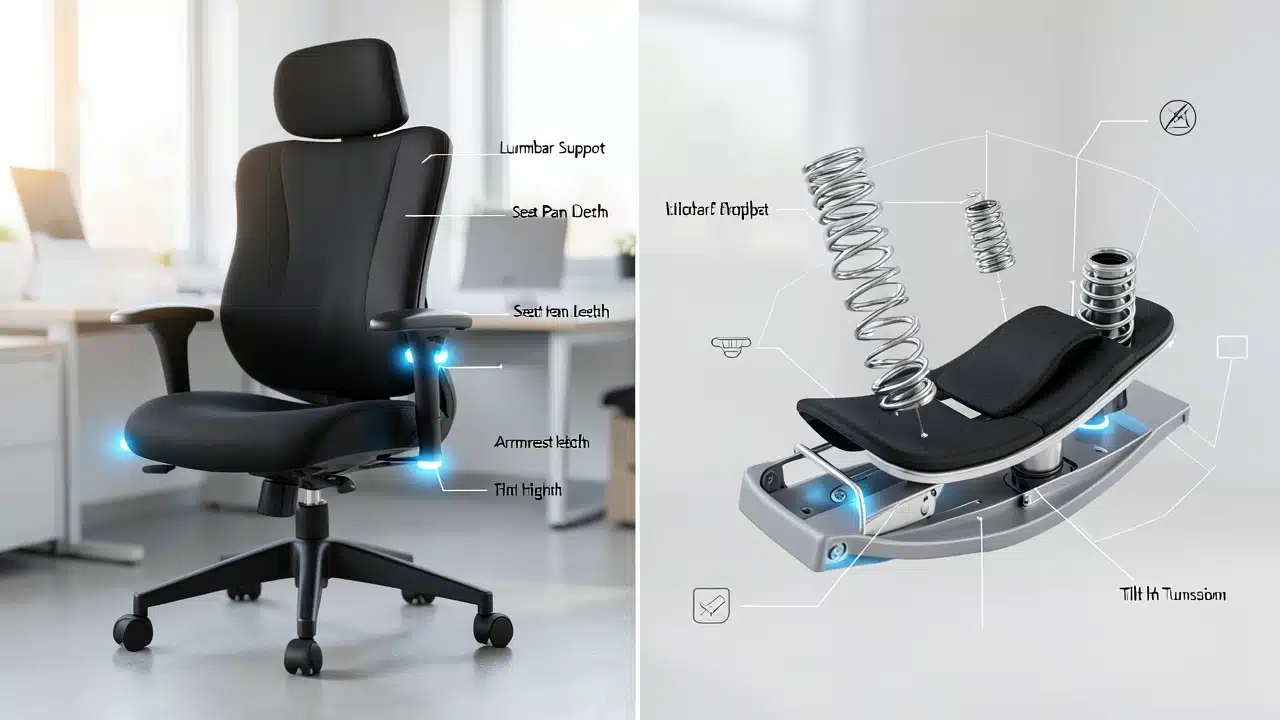
Not all chairs are created equal, and the ability to make these adjustments can vary. Understanding the features available can help you choose a chair that’s right for you. Adjusting your lumbar support helps maintain the natural curve of your lower back.
| Seat Height Adjustment | Ensures feet are flat on the floor, promoting good posture and circulation. | Most office chairs, ergonomic chairs. |
| Lumbar Support (Adjustable) | Maintains the natural curve of the lower back, reducing strain and pain. | Ergonomic chairs, some executive chairs. |
| Armrest Adjustment (Height, Width, Pivot) | Relieves tension in shoulders and neck by supporting arms at a comfortable angle. | Ergonomic chairs, gaming chairs, some office chairs. |
| Seat Depth Adjustment | Prevents pressure behind the knees, ensuring proper thigh support and blood flow. | High-end ergonomic chairs, some executive chairs. |
| Backrest Tilt and Lock | Allows for changes in posture throughout the day, reducing static load on the back. | Most office chairs, ergonomic chairs. |
Choosing a chair with these features will make implementing The 4 Chair Adjustments To Make Before Spending 8 Hours at a Desk much easier. Even basic chairs often allow for seat height and sometimes backrest tilt, which are good starting points.
Frequently Asked Questions Of The 4 Chair Adjustments To Make Before Spending 8 Hours At A Desk
What if my chair doesn’t have adjustable lumbar support?
If your chair lacks built-in lumbar support, you can use a rolled-up towel or a small cushion placed in the curve of your lower back to achieve similar support.
How often should I adjust my chair throughout the day?
While the initial adjustments are key, it’s good to make small posture changes periodically. Shift your weight, adjust your recline slightly, or stand up and stretch to avoid prolonged static positions.
Does the height of my desk matter for chair adjustments?
Yes, your desk height and chair height should work together. Your elbows should be at roughly a 90-degree angle when your hands are on your keyboard, with your shoulders relaxed.
What’s the best way to check if my seat depth is correct?
Sit all the way back in your chair. You should be able to comfortably fit two to three fingers between the edge of the seat and the back of your knees.
Are these adjustments important even if I only sit for a few hours?
Making The 4 Chair Adjustments To Make Before Spending 8 Hours at a Desk is beneficial even for shorter periods. Good posture and support reduce strain on your body, preventing discomfort and potential long-term issues regardless of sitting duration.
Can adjusting my chair help with neck pain?
Absolutely. Proper chair height, lumbar support, and armrest positioning all contribute to better overall posture, which can significantly reduce neck and shoulder strain.
Final Thoughts
Making these four chair adjustments is a simple yet powerful way to improve your comfort and well-being at work.
By setting your chair height, lumbar support, armrests, and seat depth correctly, you create an ergonomic workspace that supports your body. This helps you work more comfortably and avoid aches and pains throughout your day.