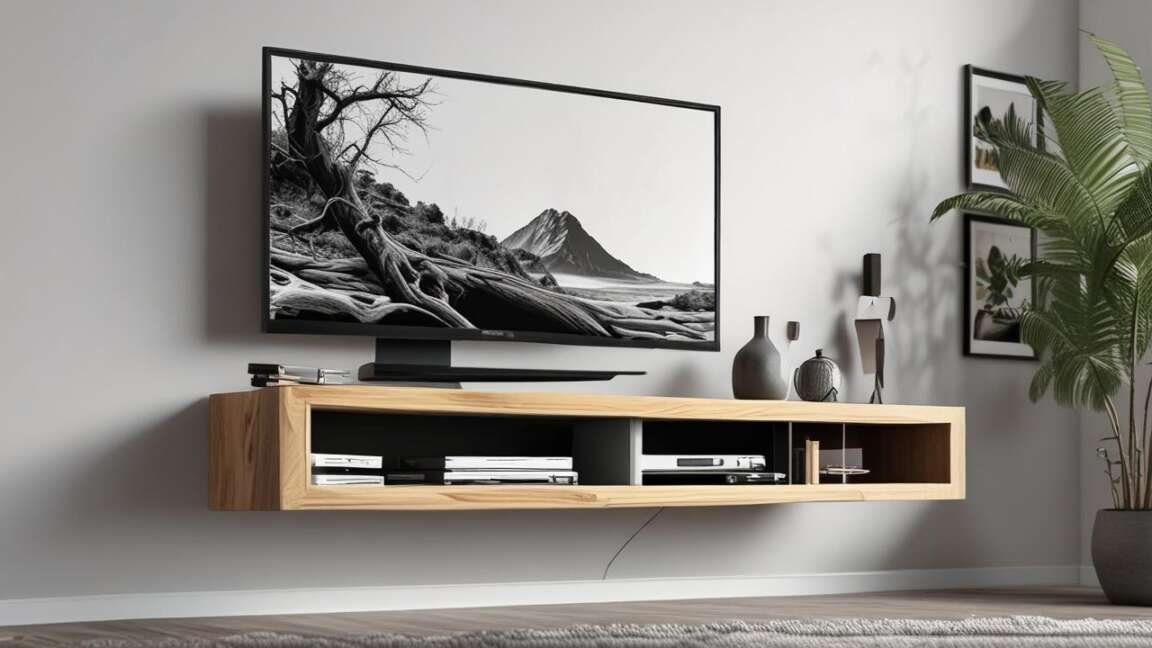
The 8 warning signs that a floating TV stand is about to stop working include visible cracks in drywall, a bouncy or loose feel, and screws backing out from the wall. The most common cause of failure is improper installation without bolts into wall studs or using incorrect wall anchors. Recognizing these signs early allows for corrective action before the stand fails and causes damage to the TV or wall.
In short, a floating TV stand fails silently over time. The most common signs include visible cracks in drywall, a bouncy feel, screws backing out, and the unit no longer sitting level. Most failures happen because of poor installation or the wrong wall anchors. Catching these signs early can stop your TV from falling.
Key Takeaways
- A floating TV stand needs to be bolted directly into wall studs for proper support.
- Visible cracks in the drywall around your floating stand are a clear sign of structural overload.
- Creaking or groaning sounds from the wall mean the mounting hardware is under severe stress.
- Using the wrong type of wall anchor is the primary cause of floating TV stand failure.
- Ignoring these warning signs can lead to costly damage to your TV and wall.
Quick Comparison Table of the 8 Warning Signs
| Sign Number | Warning Sign | Urgency Level | Action Required | ||||
|---|---|---|---|---|---|---|---|
| 1 | Visible Cracks in Drywall | High | Remove stand and inspect bolts immediately. | ||||
| 2 | Bouncy or Loose Feel | High | 3 | Screws or Anchors Backing Out | Medium | Replace with longer lag bolts into studs. | |
| 4 | Stand Is No Longer Level | High | Indicates sagging or failure. Remount safely. | ||||
| 5 | Strange Noises (Creaking) | Medium | Investigate the mounting points right away. | ||||
| 6 | Growing Gap Between Wall and Stand | Critical | The stand is pulling off the wall. Remove immediately. | ||||
| 7 | Wrong Anchors Installed | High | Swap plastic anchors for toggle bolts or stud mounts. | ||||
| 8 | TV Exceeds Weight Limit | High | Check specs. Reinforce or downsize TV. |
1 – Visible Cracks in the Drywall or Frame
Overview
Small hairline cracks around the mounting screws are the earliest physical sign of failure. The drywall is pulling away from the anchor. This happens when the weight of the stand and TV exceeds the holding power of the hardware.
According to the, thousands of tip-over incidents happen each year. Many start with small cracks that go unnoticed. The longer you ignore them, the wider the cracks get.
Warning: If you see cracks that look like spiderwebs around your screws, your drywall has already failed. Remove the TV and stand immediately to prevent a crash.
What to Look For
- Vertical or horizontal cracks within 2 inches of the mounting screws.
- Crumbling drywall dust on top of your stand or the floor below.
- Paint bubbling or chipping around the anchor points.
What to Do
Empty the stand and take the TV down. Unscrew the stand from the wall. You need to patch the damaged drywall before remounting. Use a to locate solid wood studs for the reinstall.
2 – The Stand Feels Bouncy or Loose
Overview
A properly installed floating stand feels like it is part of the wall. If you push down on it and feel any bounce, the connection is compromised. Bounciness means the anchors are bending or the stud screws are stripping out.
Industry tests from companies like show that a floating stand should support at least three times the weight of the TV without movement. If it bounces, it fails that test.
What to Look For
- The stand dips slightly when you lean on it.
- You feel vibration in the stand when you walk across a wooden floor.
- The stand wobbles side to side when you nudge it.
Tip: Test your stand every month. Push down firmly on the front edge. If it moves more than 1/8 of an inch, you have a problem.
What to Do
Check the gap between the stand and the wall first. A loose stand often has a wider gap at the top than at the bottom. Tighten all mounting screws with a drill or Torx driver. Do not overtighten, as this can strip the wood inside the wall studs.
3 – Screws or Anchors Are Coming Out
Overview
Screws that have backed out by 1/4 inch or more are a major warning sign. Normal vibration from speakers or foot traffic can slowly unscrew loose fasteners. Over time, the full load shifts to the remaining screws, causing them to fail one by one.
What to Look For
- The head of the screw is no longer flush with the mounting bracket.
- You can see bare metal threads between the wall and the bracket.
- Plastic anchors are visibly deformed or pushed into the drywall.
What to Do
Back the screws out completely. Inspect the hole they came from. If the hole is stripped or enlarged, you cannot reuse it. Move the mounting bracket up or down by two inches to hit fresh drywall or a new stud location. Use larger gauge lag bolts for better grip.
4 – The Stand Is No Longer Level
Overview
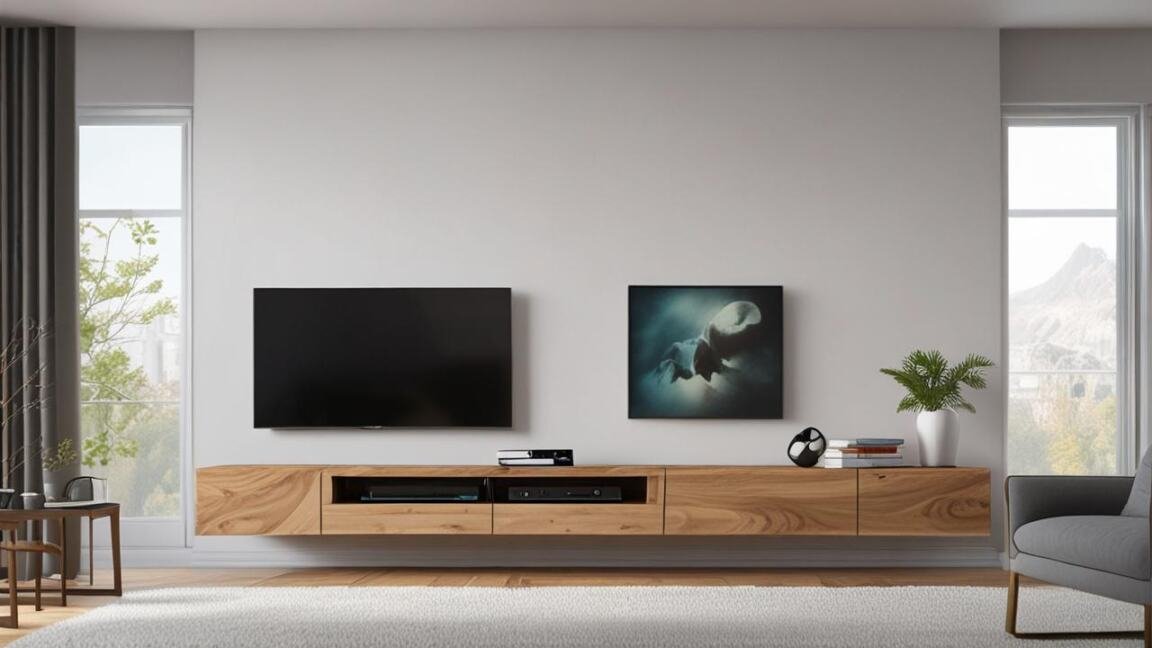
A floating stand that was level during installation but has since tilted is under severe stress. This usually means one side of the mounting hardware has failed. The stand is literally hanging by fewer bolts than intended.
What to Look For
- Items on the stand roll to one side.
- The gap between the stand and the wall is uneven from left to right.
- The TV looks crooked even when the cabinet is closed.
Warning: Do not try to shim a sinking stand. Adding a wedge or spacer does not fix the broken mount. It just hides the problem until total failure happens.
What to Do
Take the TV and all items off the stand immediately. Check which side has dropped. That side has likely pulled out of the stud or anchor. You must remove the stand, patch the old holes, and remount the bracket at a new height or location.
5 – Strange Noises When Mounted or Touched
Overview
Creaking, groaning, or popping sounds come from wood fibers straining against metal fasteners. They can also come from the drywall crushing against a plastic anchor. These sounds mean parts of your setup are moving under load when they should be completely static.
What to Look For
- A loud “crack” when you set a drink down on the stand.
- Constant squeaking from the wall side of the cabinet.
- Popping sounds when the room temperature changes (expanding materials).
What to Do
Creaking is not normal. A hardwired setup should be silent. If you hear noises, treat it like sign number 2 and check for looseness. Open the cabinet and inspect the back panel where the screws penetrate the wood.
6 – The Gap Between Wall and Stand Is Growing
Overview
Floating stands should sit tight against the wall. A gap that gets wider over time means the stand is pulling away. Gravity is winning. The momentum from a falling TV makes this the most dangerous sign on the list.
What to Look For
- You can slide a piece of paper behind the top of the stand but not the bottom.
- The gap is visibly larger than it was the month before.
- You can see the mounting bracket through the gap.
Warning: A gap of 1/2 inch or more means the primary fasteners are disengaged. The stand is only being held by friction and gravity. Remove everything now.
What to Do
Do not try to push the stand back into the wall. That can crack the drywall further. Empty the stand, remove the TV, and unbolt the unit from the wall. Inspect the condition of the or lag screws. Most likely, you need to replace the hardware with a heavier-duty option that goes deep into the studs.
7 – You Used the Wrong Anchors for Installation
Overview
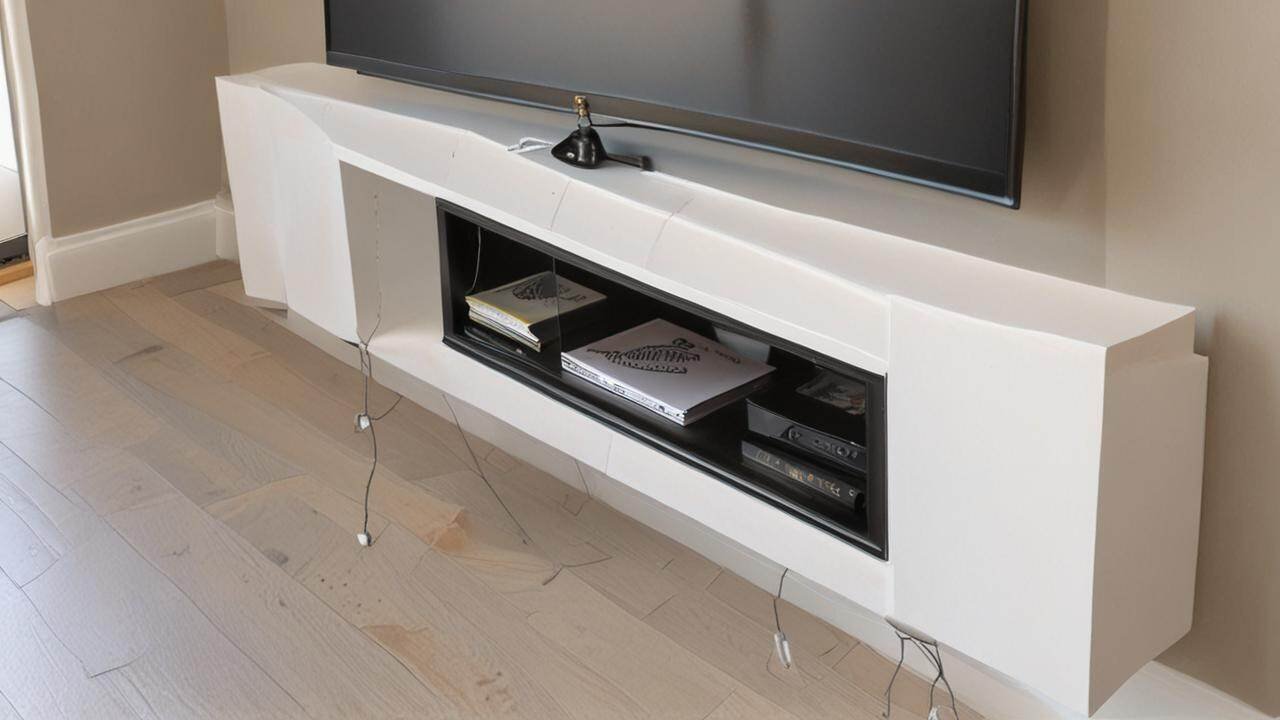
This is a root cause sign, not a symptom. Many people install floating stands using plastic expansion anchors rated for light shelves. A large TV stand with a glass door and a 50-inch TV can weigh over 100 pounds. Plastic anchors fail at this weight level.
According to building material tests, a standard plastic anchor in 1/2-inch drywall holds around 20 to 30 pounds. Toggle bolts hold over 100 pounds. If you see plastic anchors, your stand is already unsafe.
Types of Anchors and Their Limits
| Anchor Type | Typical Load Capacity | Safe for TV Stand? |
|---|---|---|
| Plastic Expansion Anchor | 10 – 30 lbs | No |
| Toggle Bolt | 50 – 100+ lbs | Yes (in drywall only) |
| Lag Bolt into Stud | 200+ lbs | Yes (best practice) |
What to Do
Look at the heads of your screws. If you see a plastic collar around the screw, you have plastic anchors. The safest fix is to remove the stand, cut out the damaged drywall, install solid wood blocking, or remount directly into studs with lag bolts.
8 – The TV Exceeds the Stated Weight Limit
Overview
Every floating TV stand has a maximum weight rating. Many modern OLED and QLED TVs are heavier than they look. A 65-inch TV can weigh over 60 pounds. Adding a soundbar, a cable box, and heavy books can push the total load past the limit.
What to Look For
- The weight limit sticker inside the cabinet has been removed or forgotten.
- You added a larger TV than the one you had when the stand was installed.
- The stand feels strained or looks bowed in the middle.
What to Do
Check the user manual or look for a stamped label inside the cabinet. Compare the total weight of your TV and equipment against this limit. If you are over, you have two options: reduce the weight or reinforce the mounting system with additional brackets that attach to the studs.
Tip: When in doubt, assume your stand supports less weight than you think. Most floating IKEA stands, for example, support between 50 and 70 pounds.
How to Perform a Safety Check on Your Floating TV Stand
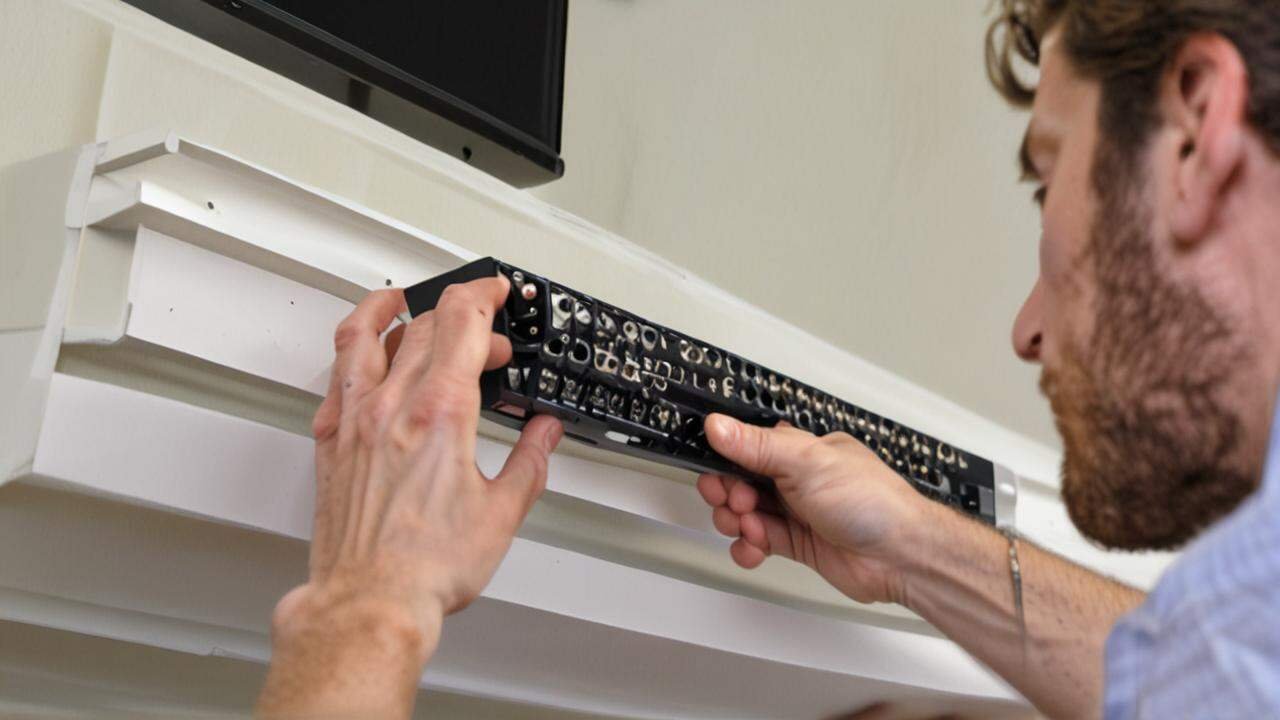
You do not need a contractor to check for safety. Follow this simple inspection routine to find problems early.
Step 1: Visual Inspection
Look at the wall around the stand. Search for cracks, dust, or gaps. Check all four corners of the stand for level alignment.
Step 2: The Push Test
Stand in front of your TV. Push down firmly on the top edge of the floating stand with both hands. Apply about 30 pounds of force. The stand should not move, creak, or wobble.
Step 3: Hardware Audit
Open the cabinet doors. Use a flashlight to inspect the screws holding the bracket to the wall. Are they tight? Are any missing? Write down the type of anchor you see.
Step 4: Weight Calculation
Find the weight of your TV online. Weigh your soundbar and cable box. Add 5 pounds for cables and accessories. Compare this total to the weight limit of your stand.
- TV Weight: _____ lbs
- Soundbar/AVR: _____ lbs
- Equipment/Cables: _____ lbs
- Total Load: _____ lbs
- Stand Limit: _____ lbs (check manual or label)
Common Myths vs Facts About Floating TV Stands
There are a few dangerous myths people believe about these stands. Here is the truth behind three common misconceptions.
Myth: All wall anchors are the same.
Fact: Plastic anchors hold less than 30 pounds in drywall. Toggle bolts hold over 100 pounds. For a heavy TV stand, you need toggle bolts or direct stud mounting to stay safe.
Myth: If it feels sturdy, it is safe.
Fact: Many floating stands fail slowly over weeks. They feel fine under light touch but collapse under vibration or an accidental bump. Regular inspection is the only way to confirm safety.
Myth: You can mount a floating stand anywhere on the wall.
Fact: Drywall alone cannot support the weight of a TV stand. You must anchor the stand into wooden wall studs. Mounting between studs with cheap drywall anchors is a recipe for failure.
What Are the Best Anchors for a Floating TV Stand?
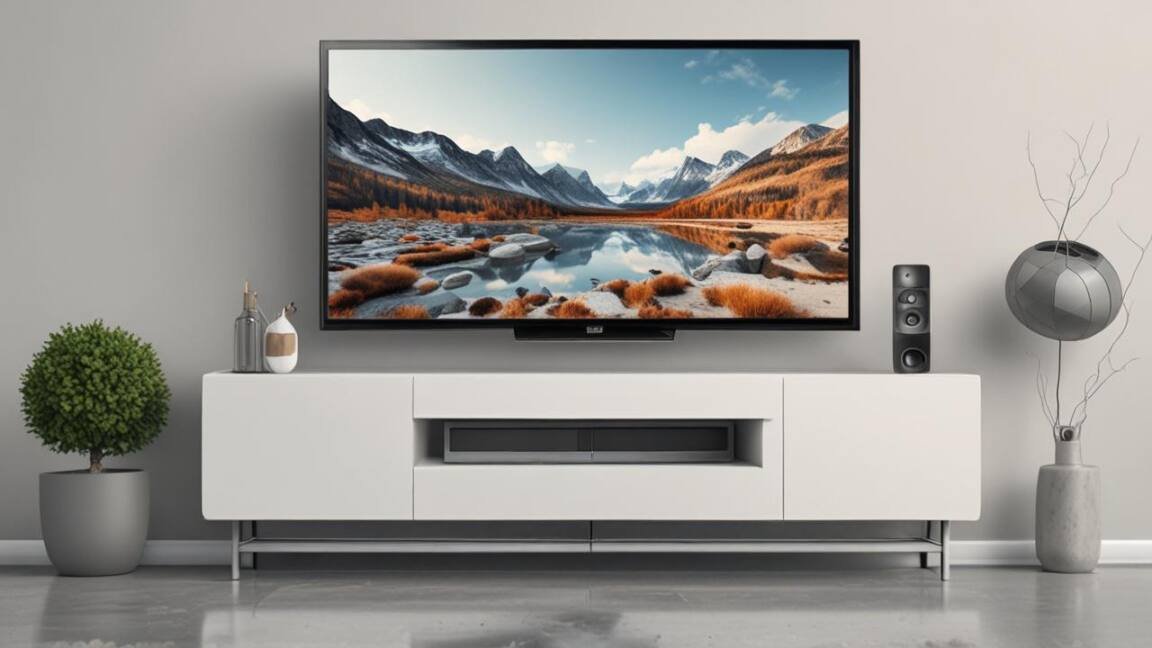
The best anchor is a 3/8-inch or 1/2-inch lag bolt driven into a wooden stud. If you cannot hit a stud, use heavy-duty toggle bolts rated for at least 100 pounds each. Do not use plastic expansion anchors for any part of a floating TV stand installation.
How to Fix a Floating TV Stand That Is Starting to Fail
If you spotted one of the 8 Warning Signs Your Floating TV Stand Is About to Stop Working, here is the fastest way to fix it.
Option 1: Move the Bracket to Fresh Studs
Remove the stand. Repair the damaged drywall with a patch kit. Find two studs that are 16 inches apart. Screw a new 2×4 backing board between the studs. Mount your stand bracket into the new board with 3-inch lag bolts.
Option 2: Upgrade to Toggle Bolts
If you cannot move the stand, replace any plastic anchors with toggle bolts. Drill a larger hole to fit the toggle. Push the bolt through the bracket, collapse the wings, and push them through the wall. Tighten until the wings bite into the back of the drywall.
Tip: Use at least four toggle bolts for any floating stand. Two on the top mounting strip and two on the bottom. Rigid stands need all four points secured equally.
Frequently Asked Questions
What is the most common cause of floating TV stand failure?
The most common cause is mounting into drywall without hitting a stud. Plastic expansion anchors simply cannot handle the dynamic load of a TV over time.
How do I know if my floating stand is about to fall?
Look for these three things: a gap between the stand and the wall, cracks in the drywall around the screws, and a bouncy feel when you push down on the stand.
What weight can a floating TV stand hold?
Most stands hold between 50 and 100 pounds. The exact number depends on the wall material, the type of anchor, and whether the bracket is screwed into wood studs or just drywall.
How often should I inspect my floating TV stand?
Inspect your stand once per month. A monthly push test and visual check for cracks takes less than 30 seconds. This simple habit can stop a major accident.
Can I fix a floating TV stand without removing it?
In most cases, no. If the anchors have failed, you need to remove the stand to patch the wall and install new, stronger hardware in fresh positions.
Final Thoughts
A floating TV stand is a great choice for a clean look, but it only works when the foundation is solid. Check for cracks, movement, and wrong hardware today. The 8 Warning Signs Your Floating TV Stand Is About to Stop Working are easy to spot if you know what to look for. Take action now to protect your TV and your family.