The three monitor arm specs that matter most are weight capacity, VESA compatibility, and reach or height adjustment, and getting any of them wrong can cause sagging, failed mounting, or poor ergonomics. If the arm is too weak for the monitor's weight, the screen will sag; if the VESA pattern does not match the display, the mount will not attach; and if the arm lacks sufficient reach, the monitor sits awkwardly and strains the neck and shoulders. Matching these three specifications to the monitor's weight, VESA pattern, and intended positioning range before purchase ensures a stable and comfortable desk setup.
Three monitor arm specs that matter are weight capacity, VESA compatibility, and height or reach adjustment. If weight capacity is too low, the screen may sag. If VESA sizing does not match, it will not mount.
If the arm lacks enough reach or height, monitors sit awkwardly and can cause neck, shoulder, or desk-space problems.
Setting up your workspace just right can make a big difference in how you feel and how much you get done.
When you’re looking for a way to free up desk space and position your screens perfectly, a monitor arm is a great choice.
But not all monitor arms are created equal, and picking the wrong one can lead to frustration and a wobbly setup.
We’ll walk you through the 3 Monitor Arm Specs That Matter and What Happens if You Get Them Wrong, so you can make sure your desk setup works for you, not against you, and helps you work smarter.
Key Takeaways
- You’ll learn the top three important things to check when buying a monitor arm.
- Understand how choosing the wrong arm can cause problems like screen instability or desk damage.
- Discover how the right arm can improve your posture and reduce neck strain.
- Find out what happens if you ignore weight limits and arm reach.
- Learn how to pick an arm that fits your specific monitors and desk.
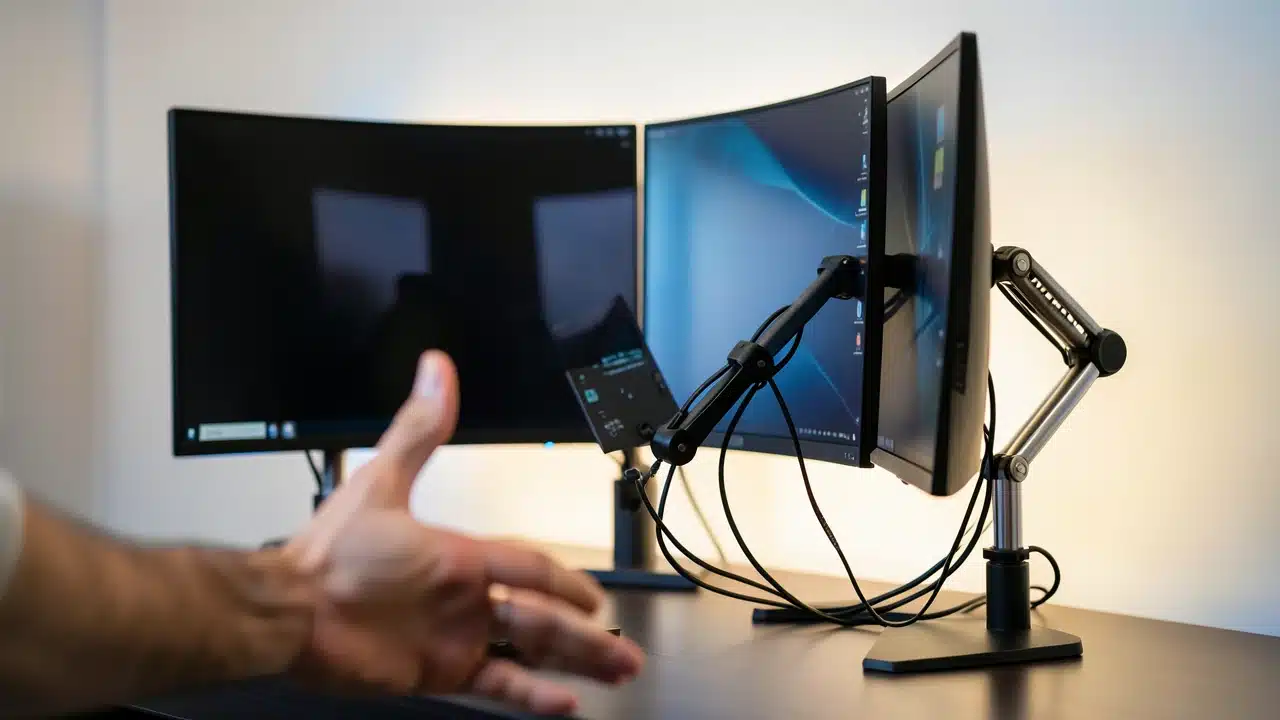
Choosing the Right Monitor Arm for Your Setup
A good monitor arm can transform your desk from cluttered to organized. It also helps you find the perfect viewing angle, which is super important for comfort. Think about how much time you spend looking at your screens.
Getting the right monitor arm means you can adjust your screens easily. This can help you avoid awkward neck and back positions. Picking the right one is about more than just how it looks.
It’s about making sure it can handle your screens and your desk space.
When you start looking, you’ll see many options. It can feel a bit overwhelming. But focusing on a few key things makes the choice much simpler.
We’re going to focus on the 3 Monitor Arm Specs That Matter and What Happens if You Get Them Wrong.
This will help you avoid common mistakes. You’ll gain a setup that feels stable, looks clean, and supports your well-being.
Understanding Monitor Weight Capacity
One of the most critical factors for any monitor arm is its weight capacity. This is the maximum weight the arm is designed to hold safely. Most monitor arms list a minimum and maximum weight they can support.
It’s essential to know the exact weight of your monitor(s), including any mounts or accessories attached. You can usually find this information in your monitor’s manual or on the manufacturer’s website.
First, check the weight of your monitor. Many monitors, especially larger ones with thicker bezels or built-in stands, can be heavier than you might think. Always err on the side of caution.
If your monitor is at the upper limit of the arm’s capacity, it might not hold it steady. This is one of the most common pitfalls when people pick out a new monitor arm.
What Happens If You Get Monitor Weight Capacity Wrong
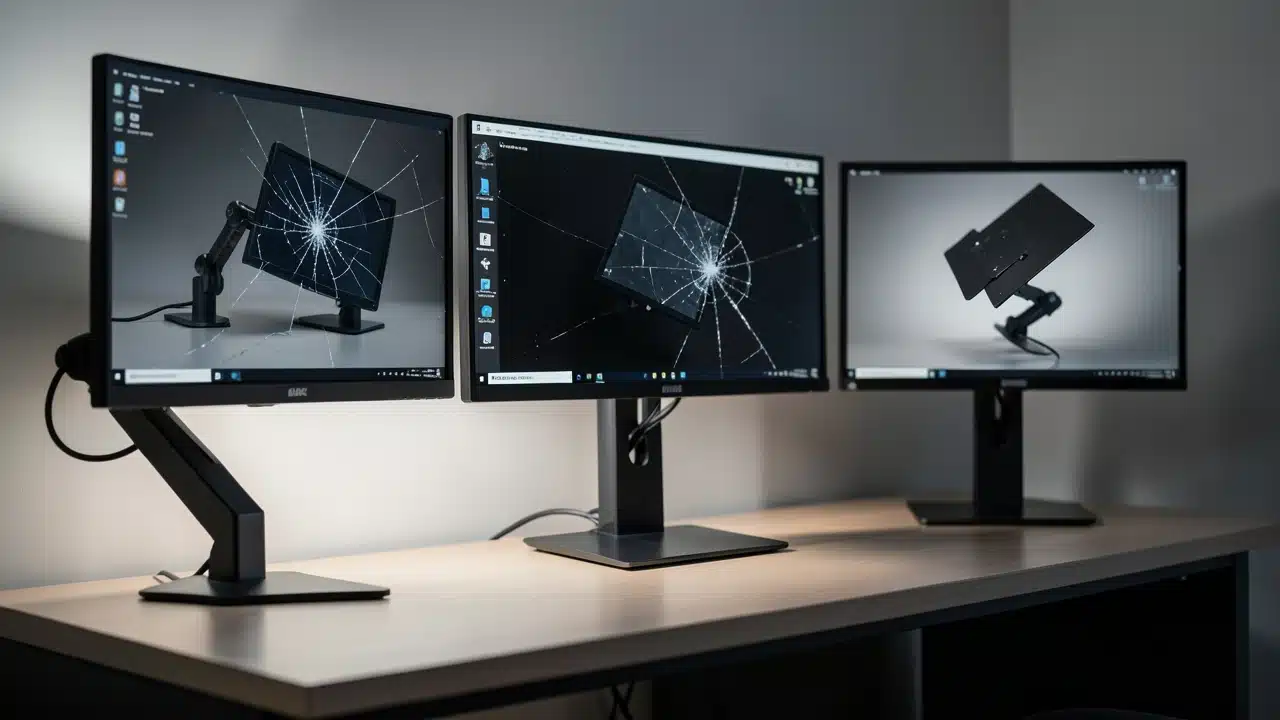
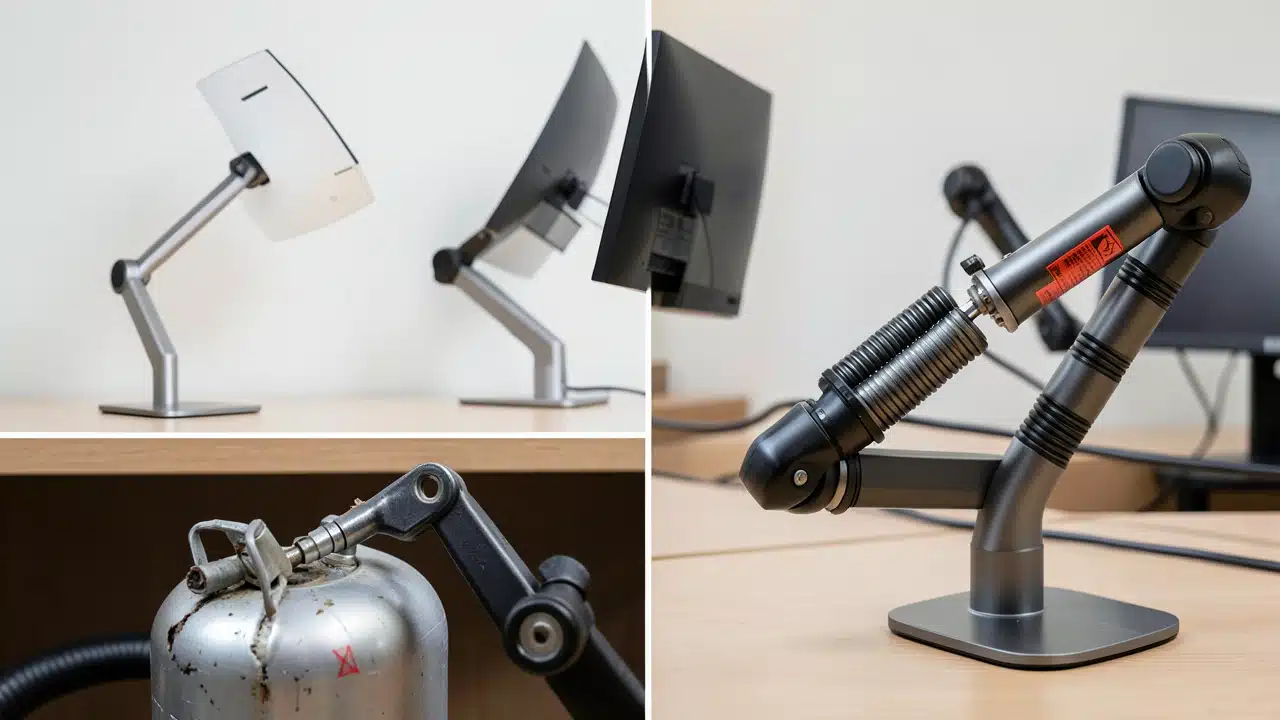
Getting the weight capacity wrong can lead to several problems. The most obvious is that the arm might not be able to hold your monitor up at all. It could sag downwards, making it impossible to position correctly.
In more severe cases, an overloaded arm could even fail completely, potentially damaging your monitor or your desk. This is a serious risk that nobody wants to face. It’s a key part of understanding the 3 Monitor Arm Specs That Matter and What Happens if You Get Them Wrong.
Even if the arm doesn’t break, an overloaded arm will likely be unstable. Your screen might wobble when you type or when someone walks past your desk. This constant movement can be distracting and even cause eye strain.
It defeats the purpose of having a stable, adjustable setup. You won’t get the ergonomic benefits you were hoping for. It’s better to choose an arm that can easily support your monitor’s weight with plenty of room to spare.
Consider this: a 27-inch monitor might weigh around 10-15 pounds. A larger 32-inch or ultrawide monitor can easily weigh 20-30 pounds or more. A dual monitor setup means you need to account for the combined weight of both screens.
Always look for an arm with a capacity significantly higher than your monitor’s actual weight for the best stability and longevity.
Evaluating Monitor Arm Reach and Extension
Next up is the reach or extension of the monitor arm. This refers to how far the arm can extend from its base and how much vertical and horizontal adjustment it offers. Your desk size and how far you want your monitor from your face will determine the reach you need.
If you have a deep desk or like to sit further back, you’ll need a longer extension. For smaller desks, a shorter reach might be more suitable to avoid the arm sticking out too far.
Think about your preferred viewing distance. Some people like to have their monitor close, while others prefer it a bit further away. The arm’s extension allows you to find that sweet spot.
It also dictates how much you can move your monitor around. Can it swivel, tilt, and rotate easily? These adjustments are crucial for finding the perfect viewing angle and for sharing your screen with others.
The Consequences of Incorrect Monitor Arm Reach
Choosing a monitor arm with insufficient reach means you might not be able to position your screen where you want it.
You could be forced to sit too close or too far from your monitor. This can lead to discomfort and poor posture.
You might find yourself leaning forward or craning your neck, which are exactly the problems a monitor arm is meant to solve. This is another of the 3 Monitor Arm Specs That Matter and What Happens if You Get Them Wrong.
Conversely, an arm with too much reach for your desk might be clunky. It could take up more space than necessary and get in the way. If the extension is too long, it might also be less stable, especially when extended fully.
The arm could sag or wobble more easily. It’s about finding that balance that works for your specific workspace dimensions and your viewing habits.
When looking at specs, pay attention to the maximum extension length. This is usually listed in inches or centimeters. Also, consider the vertical height adjustment.
This lets you raise or lower your monitor. A good arm offers a wide range of motion, allowing you to fine-tune your screen’s position precisely.
Assessing Monitor Arm Mount Type and Stability
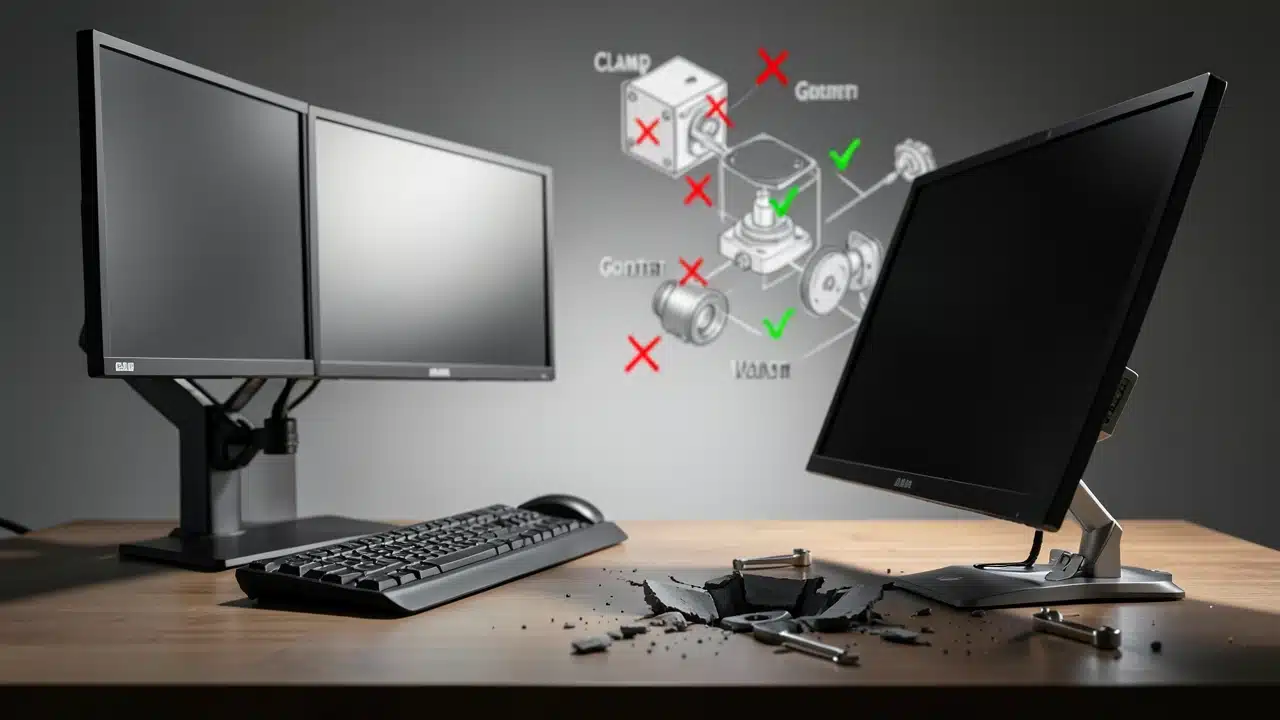
The way a monitor arm attaches to your desk, known as the mount type, is vital for stability. The two most common types are C-clamp mounts and grommet mounts. C-clamp mounts grip the edge of your desk.
Grommet mounts usually go through a pre-drilled hole in your desk. Some arms also come with a freestanding base.
Your desk’s thickness and construction matter here. Ensure the mount type you choose is compatible with your desk. A C-clamp needs a certain desk edge thickness to grip securely.
A grommet mount requires a hole. The stability of the entire setup depends heavily on how securely the arm is attached. A wobbly mount means a wobbly screen, no matter how good the arm itself is.
The Fallout from Choosing the Wrong Mount Type
If you choose the wrong mount type, the most significant issue is instability. A mount that isn’t secured properly will lead to a shaky monitor. This is incredibly distracting and can make working difficult.
Imagine typing an email and having your screen bounce with every keystroke. It’s not a good experience and is a prime example of the 3 Monitor Arm Specs That Matter and What Happens if You Get Them Wrong.
Another problem is desk damage. An improperly installed C-clamp might scratch or dent your desk surface. If it’s too tight, it could even damage particleboard desks.
If you have a glass desk, you need to be extra careful and ensure the arm is designed for it. Some arms come with protective pads to prevent damage, which is always a good thing to look for.
Stability also relates to the arm’s construction. Look for arms made from sturdy materials like aluminum or steel. Cheaper arms made from flimsy plastic are more likely to bend or break under pressure.
The joints and articulation points should feel solid and hold their position once adjusted. A well-built arm with a secure mount will provide a stable platform for your monitors, enhancing your overall workspace experience.
Understanding VESA Compatibility
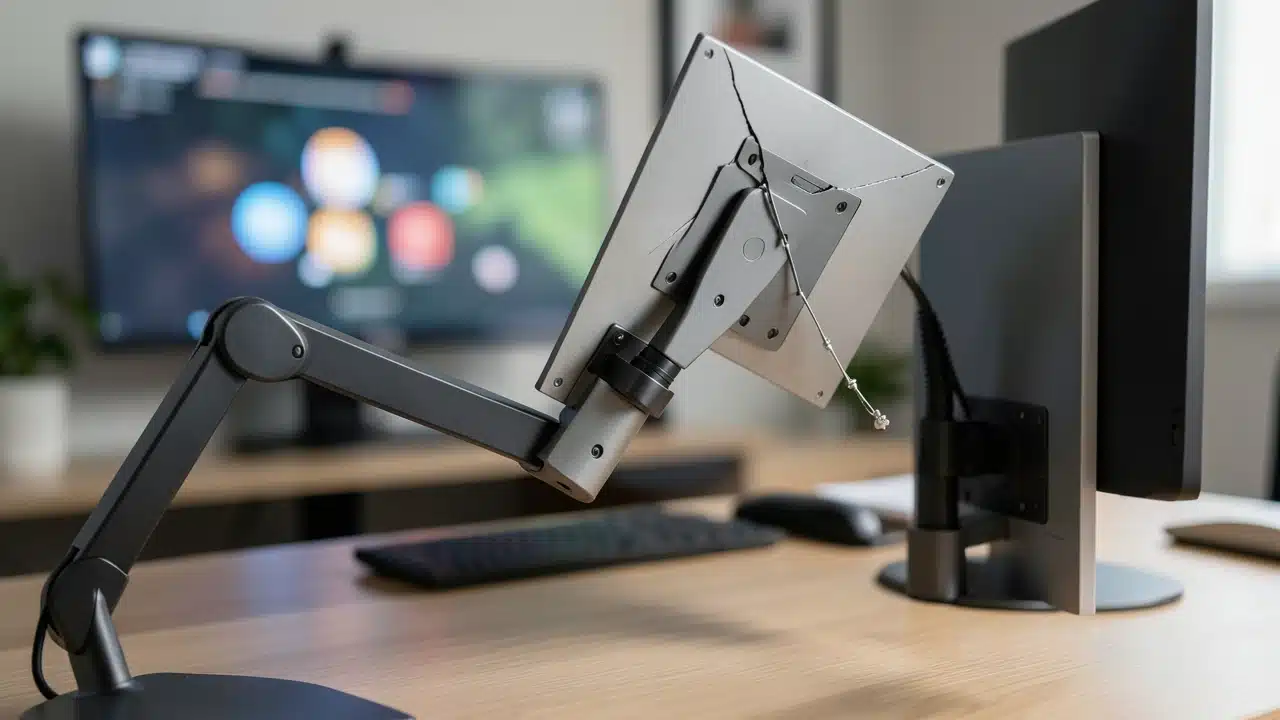
VESA is an acronym for the Video Electronics Standards Association. Many monitor arms and monitors follow these standards for mounting. A VESA mount pattern is a set of four screw holes on the back of your monitor.
The most common VESA patterns are 75x75mm and 100x100mm. Your monitor arm will have a VESA plate that attaches to these holes.
It’s crucial to check if your monitor is VESA compatible. Most modern monitors are, but some older or very budget-friendly models might not be.
If your monitor isn’t VESA compatible, you might need a VESA adapter kit, or a monitor arm that uses a clamp-style mount to hold the monitor itself.
Always check your monitor’s specifications to confirm its VESA pattern.
The Impact of Ignoring VESA Standards
If you don’t check VESA compatibility, you might buy a monitor arm that simply won’t attach to your monitor.
The VESA plate on the arm won’t line up with the screw holes on your screen. This means you can’t use the arm at all, rendering your purchase useless.
This is a critical detail when considering the 3 Monitor Arm Specs That Matter and What Happens if You Get Them Wrong.
Even if your monitor has VESA holes, the pattern might be different from what the arm supports. For example, some very large or specialized monitors might use larger VESA patterns like 200x100mm. You’d need an arm or adapter that specifically supports that pattern.
Failing to match the VESA patterns is a direct route to incompatibility and wasted money.
The VESA standard ensures that monitor arms and monitors can work together seamlessly. It simplifies the mounting process and guarantees a secure connection. Always confirm both your monitor's VESA pattern and the arm's supported VESA patterns before buying.This simple check saves a lot of potential headaches.
Considering the Articulation and Adjustability Features
Beyond the core specs, the articulation and adjustability features of a monitor arm are what provide true ergonomic benefits.
This includes how many joints the arm has and how much freedom of movement each joint offers. A good arm will allow for tilt, swivel, and rotation (pivot) of your monitor.
Second, think about how much you move your monitors. Do you often switch between portrait and landscape mode? Do you need to tilt your screen upwards to avoid glare from a window?
Do you frequently swivel your monitor to show something to a colleague? The more articulation points and range of motion an arm has, the more flexible your setup will be.
The Downsides of Limited Articulation
If an arm has limited articulation, you might struggle to find the ideal viewing position. You could be stuck with a tilt angle that causes glare or a swivel range that’s too small.
This can lead to neck strain as you try to adjust your body to the monitor, rather than the other way around.
It’s a clear example of the 3 Monitor Arm Specs That Matter and What Happens if You Get Them Wrong.
You might also find that the arm doesn't allow for smooth transitions. Adjusting the screen might feel stiff or require loosening and re-tightening bolts. This makes quick adjustments difficult.
For example, if you need to quickly move your monitor out of the way for a video call, a stiff arm makes this a hassle. The ease of adjustment is a key part of the user experience.
Look for arms that offer smooth, fluid movement. Gas spring arms are often preferred for their ability to hold positions easily and allow for one-handed adjustments. Manual or spring-loaded arms can also work well but might require more effort.
The goal is to have an arm that lets you position your monitor exactly where you want it, with minimal fuss.
How Monitor Arm Specs Impact Your Workspace and Well-being
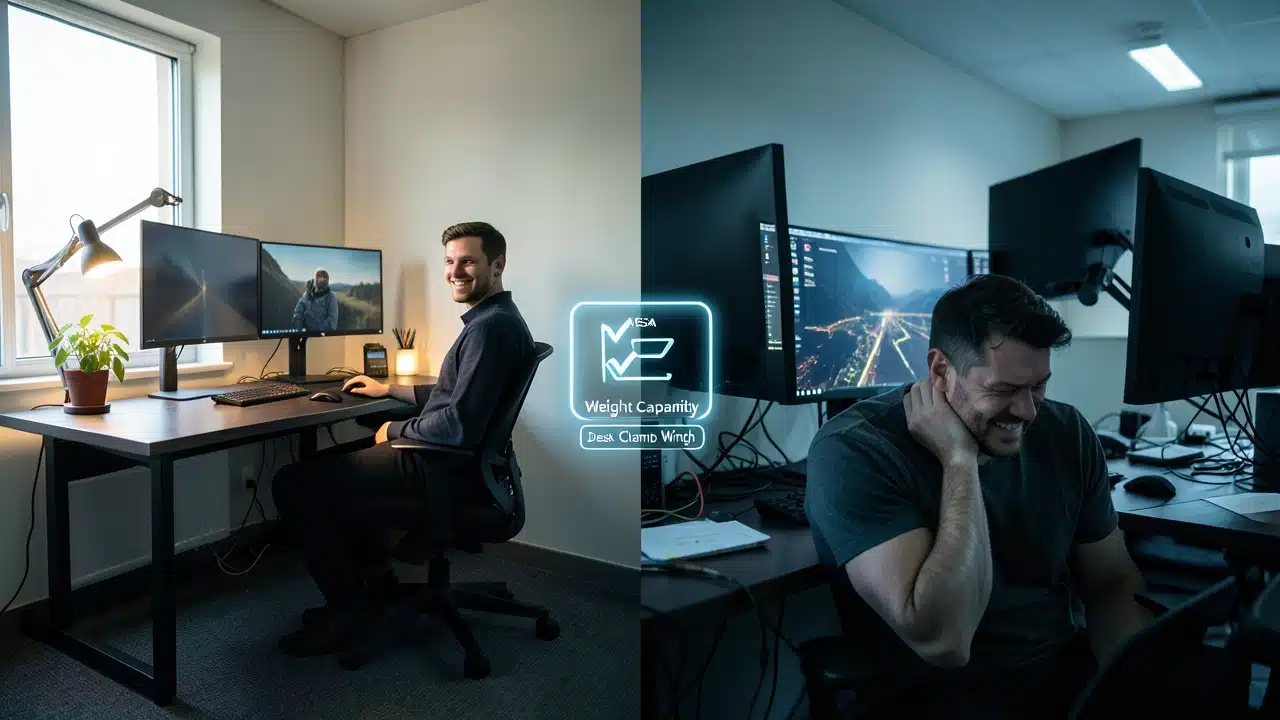
The choices you make about monitor arm specs directly affect your workspace and your physical well-being.
A well-chosen monitor arm can declutter your desk, creating a cleaner and more organized environment. This can lead to a more focused and productive mindset.
It’s not just about aesthetics; it’s about creating a functional space.
Third, consider the ergonomic advantages. By allowing you to position your monitor at the correct height and distance, a monitor arm can significantly reduce strain on your neck, shoulders, and eyes. This is especially important if you spend long hours in front of your computer.
Proper ergonomics can prevent chronic pain and improve your overall comfort.
The Negative Effects of Poor Monitor Arm Choices
When you get the 3 Monitor Arm Specs That Matter and What Happens if You Get Them Wrong, the consequences can range from minor annoyances to significant discomfort.
A wobbly monitor is distracting and can make tasks harder to complete accurately. Poorly positioned screens can lead to headaches, eye strain, and neck pain.
Furthermore, a monitor arm that is too weak for your monitor can sag, forcing you into an unhealthy posture.
This can contribute to long-term musculoskeletal issues. Desk damage from improper mounting is also a real possibility.
Investing a little extra time in understanding the specs upfront saves you from these potential problems.
Ultimately, the right monitor arm enhances your productivity and comfort. It allows you to create a personalized workspace that supports your health.
By paying attention to weight capacity, reach, mount type, VESA compatibility, and articulation, you ensure your monitor arm is a beneficial addition to your setup, not a source of frustration.
Frequently Asked Questions Of 3 Monitor Arm Specs That Matter And What Happens If You Get Them Wrong
What is the most important monitor arm spec to get right?
The most critical spec is the monitor arm’s weight capacity. If it can’t safely support your monitor, the arm is useless and potentially dangerous.
Can a monitor arm damage my desk?
Yes, if the mount is installed incorrectly or is not compatible with your desk thickness, it can cause scratches, dents, or even structural damage. Always check the mount type and your desk’s material.
What does VESA compatible mean for a monitor arm?
VESA compatibility means the monitor arm has a mounting plate with standard screw hole patterns that match the back of your monitor, allowing for a secure attachment.
What happens if I buy a monitor arm that is too long for my desk?
An arm that is too long might be less stable when fully extended, could look out of place, and might even get in your way. You may also not be able to position your monitor at the ideal distance.
How do I know if my monitor is VESA compatible?
Check your monitor’s manual or look on the manufacturer’s website for its VESA pattern (e.g., 75x75mm, 100x100mm). You can also often find the VESA holes on the back of the monitor itself.
What are the 3 Monitor Arm Specs That Matter and What Happens if You Get Them Wrong?
The key specs are weight capacity, reach/extension, and mount type/stability. Getting these wrong can lead to sagging screens, instability, desk damage, and poor ergonomics.
Final Thoughts
Choosing the right monitor arm means looking closely at weight limits, how far it reaches, and how it attaches.
Getting these 3 Monitor Arm Specs That Matter and What Happens if You Get Them Wrong right ensures your setup is stable, comfortable, and helps you work better. Don’t overlook these details for a clutter-free and ergonomic workspace.