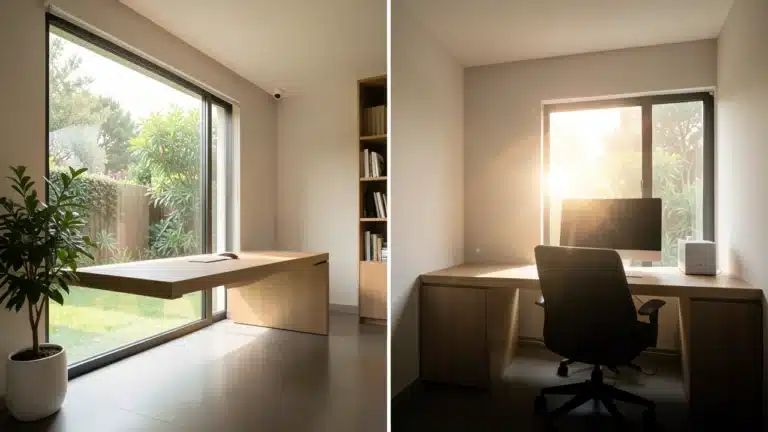
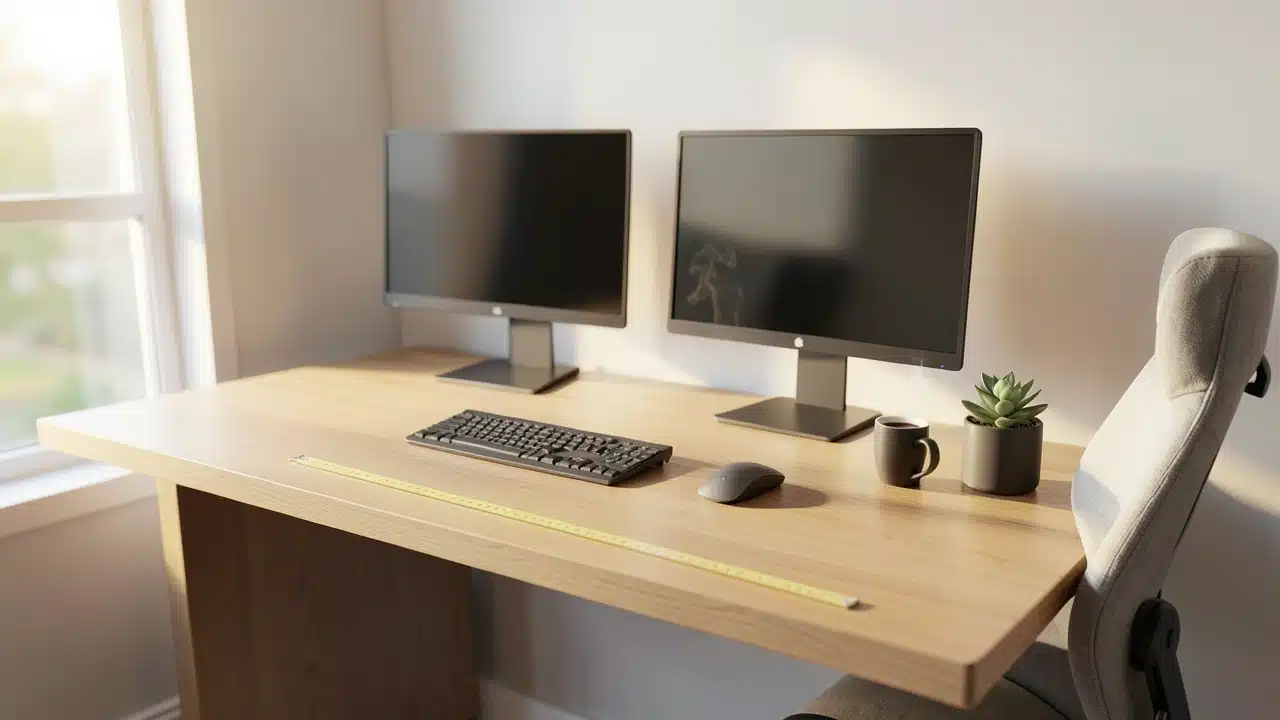
A desk running two monitors comfortably needs to be at least 48 to 60 inches wide, with the exact width depending on monitor size, stands, and any additional accessories like speakers. Two 24-inch monitors can fit on a 48-inch desk, but moving to 55 or 60 inches provides significantly more comfortable spacing. Desk depth also matters because monitors must sit far enough from the eyes for comfortable viewing, and using mounts or clamps can free up valuable surface space.
A desk for two monitors should usually be at least 48–60 inches wide, depending on monitor size, stands, speakers, and accessories.
Two 24-inch monitors can fit on a 48-inch desk, but 55–60 inches feels more comfortable. Also check desk depth, because screens need enough distance from your eyes for comfortable viewing.
Setting up a dual monitor workstation can really boost your productivity, letting you see more at once and switch between tasks easily.
But if your desk isn’t quite right, those extra screens can feel cramped and awkward. You want enough space so everything fits without feeling cluttered, and that’s where knowing How Wide Does a Desk Need To Be To Comfortably Run Two Monitors? makes a big difference.
Getting this right means you’ll have a more comfortable, efficient, and enjoyable workspace where you can focus on what matters. We’ll cover the essential measurements and what to think about next.
Key Takeaways
- The ideal desk width for two monitors depends on the size of your monitors and how you arrange them.
- A minimum of 48 inches wide is generally recommended for a comfortable dual-monitor setup.
- Consider the monitor stand or mount; some require more desk depth or width.
- Think about ergonomics to ensure you have enough space for your keyboard, mouse, and comfortable viewing angles.
- Desk depth is also important for monitor placement and avoiding neck strain.
- Adding accessories like speakers or a webcam might require extra desk real estate.
Understanding Your Monitor Dimensions
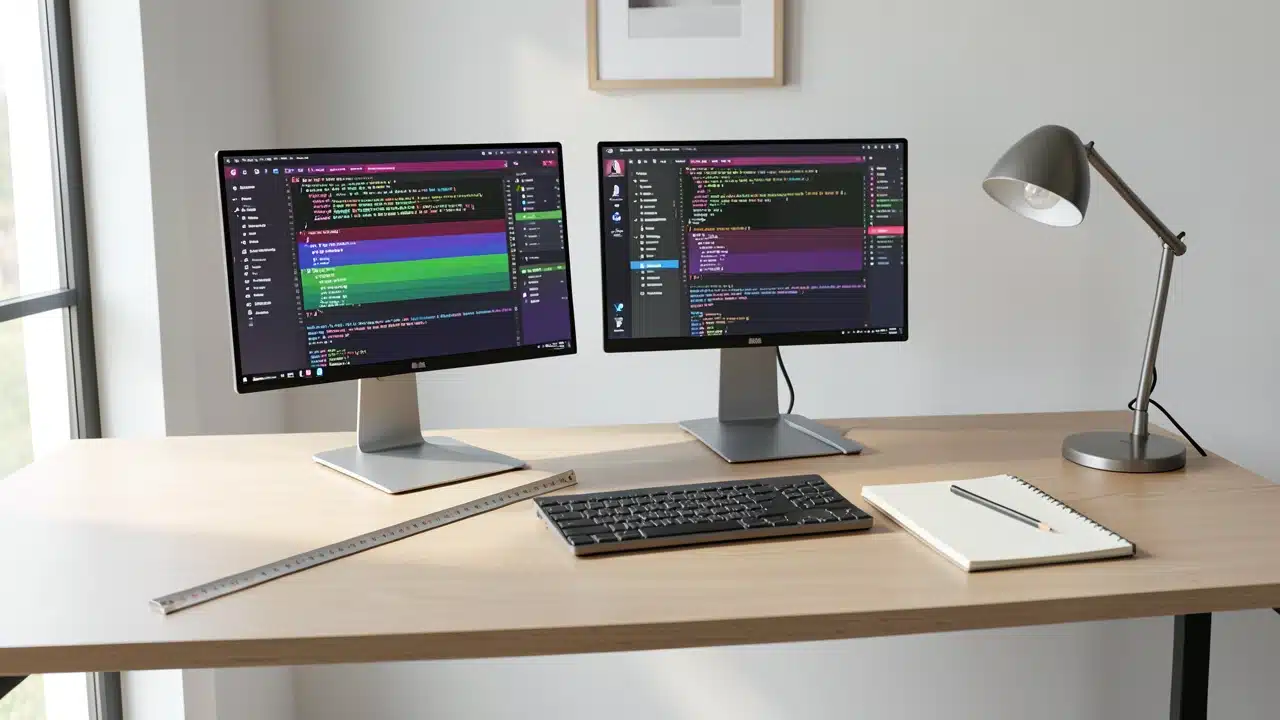
Before you even think about desk size, you need to know what you’re working with. The most important factor is the actual physical size of your monitors. Monitors are measured diagonally across the screen, but what really matters for desk space is their width.
This includes the bezel, the plastic frame around the screen. You’ll also need to consider the width of the stand that comes with the monitor, as this adds to the overall footprint.
For example, a common 24-inch monitor might have a screen width of about 21 inches. However, with its stand, it could easily take up 24 inches of horizontal space.
If you have two of these, you’re already looking at needing at least 48 inches just for the monitors themselves, and that’s without anything else.
Measuring Your Monitors Accurately
The best way to get a precise measurement is to look up the exact dimensions of your monitor model online.
Manufacturers usually provide these specifications on their website or in the product manual. Pay close attention to the “dimensions with stand” figures.
If you can’t find them, you can always measure your existing monitors directly with a tape measure.
Measure from the left edge of the bezel to the right edge. Then, measure the width of the stand. Add these two numbers together for each monitor.
This will give you a good idea of the minimum width required just for the screens and their stands.
Calculating Your Desk Width Needs
So, How Wide Does a Desk Need To Be To Comfortably Run Two Monitors? The answer isn’t a single number because it depends on your setup. However, we can establish some guidelines based on common monitor sizes and configurations.
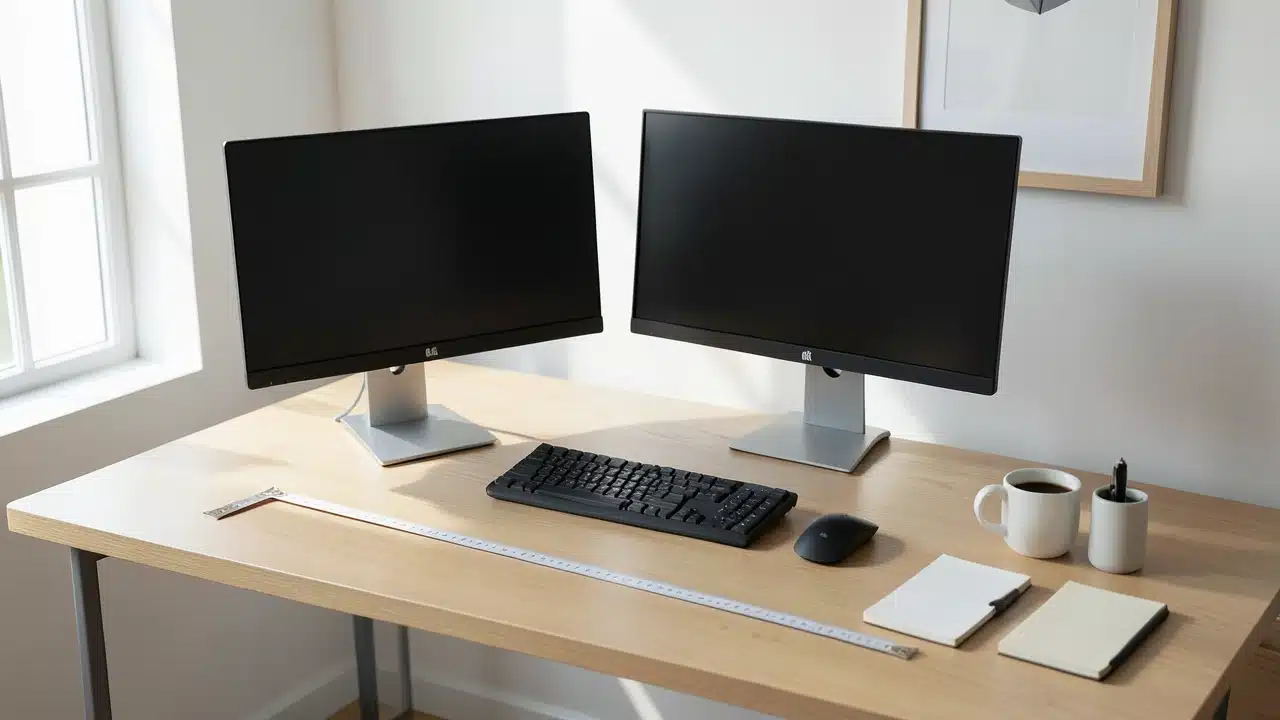
A good starting point for a dual monitor setup is a desk that is at least 48 inches wide. This allows for two 24-inch monitors placed side-by-side with a small gap between them, plus some room for your keyboard and mouse. If you have larger monitors, say 27-inch or 32-inch screens, you’ll need significantly more width.
Side-by-Side Placement
Placing monitors directly next to each other is the most common setup. In this arrangement, you’re essentially adding the widths of the two monitors, plus any desired gap.
If each of your 24-inch monitors, including stands, takes up 24 inches, then 24 inches + 24 inches = 48 inches.
This is a tight fit for just the monitors. You’ll want extra space for your arms, keyboard, and mouse.
Therefore, for two 24-inch monitors side-by-side, a 55-inch to 60-inch desk is much more comfortable. This gives you breathing room and allows for a natural arm position. For larger monitors, you’ll need to scale up.
Two 27-inch monitors side-by-side could easily require a desk that is 65 inches wide or more.
Corner or Angled Placement
Some people prefer to angle their monitors, with one slightly to the left and one slightly to the right. This can create a more immersive experience and a more ergonomic viewing position.
This setup often requires a desk with a curved front or a larger overall footprint to accommodate the angles.
When angling monitors, you’re not just adding their widths together linearly. Instead, you’re considering the widest point they span.
This can actually make the required width slightly less than a direct side-by-side setup for the same screen sizes, but it demands more depth and a desk that can accommodate the outward sweep of the stands.
The Importance of Desk Depth
While width is crucial for fitting two monitors, don’t forget about depth. Desk depth is the measurement from the front edge to the back edge.
This is important for a few reasons related to How Wide Does a Desk Need To Be To Comfortably Run Two Monitors?
Firstly, you need enough depth to place your monitors at an optimal viewing distance. Sitting too close to your screens can cause eye strain and neck discomfort. A general rule of thumb is to position your monitor about an arm’s length away.
For larger monitors, this distance needs to be greater.
Secondly, monitor stands can take up a significant amount of desk depth. Some stands are wide and shallow, while others are deep and narrow. You need to ensure there’s enough space for the stand itself, plus room behind it for cables and any other items you might place there.
A standard desk depth is usually around 24 to 30 inches.
Ergonomic Considerations for Depth
For a dual monitor setup, a depth of at least 25 inches is often recommended, with 30 inches being even better, especially if you have larger monitors or want to position them further away.
This depth also ensures you have ample space in front of the monitors for your keyboard and mouse without feeling like you’re right on top of the screens.
When monitors are placed too close, you tend to crane your neck to see both screens, leading to poor posture and potential pain.
A deeper desk allows you to position the monitors correctly for a comfortable viewing angle and a neutral neck position.
Monitor Mounts vs. Stands
The type of monitor support you use can significantly impact your desk space requirements. Standard monitor stands are included with most monitors, but they can be bulky. Monitor mounts, on the other hand, can save a lot of space.
Desk Clamps and Grommets
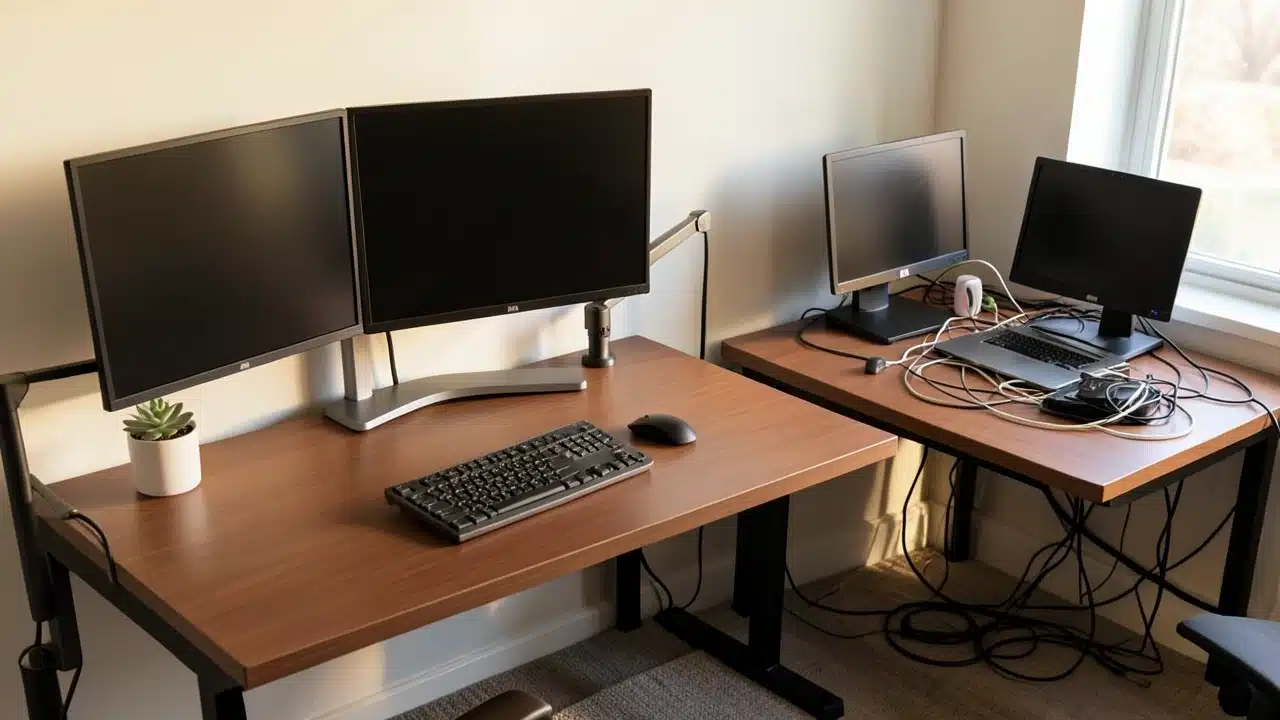
Many monitor mounts attach to the desk using a clamp that grips the back edge of the desk, or a grommet that goes through a pre-drilled hole. These mounts are great because they lift the monitors off the desk surface, freeing up valuable real estate.
However, the arms of the mount themselves can extend forward and backward, and you need to ensure there’s enough clearance.
The clamp or grommet also requires a certain amount of desk depth to attach securely. Always check the mount’s specifications for its footprint and attachment requirements.
Arm Reach and Adjustability
The reach of a monitor arm is also important. A longer arm allows you to position the monitors further apart or closer to you as needed.
This adjustability is key for finding the perfect ergonomic setup, regardless of How Wide Does a Desk Need To Be To Comfortably Run Two Monitors?
If you’re using a dual monitor arm, it will have its own width and depth requirements. Some arms are designed for side-by-side placement, while others allow for one monitor above the other. This difference in configuration will influence the overall desk space needed.
Comparing Desk Sizes for Dual Monitors
To help visualize the differences, let’s look at some common desk sizes and how they might accommodate two monitors. This comparison focuses on typical setups with monitors placed side-by-side.
| 30-36 inches | Small (e.g., 19-20 inch) | Very Tight | Only suitable for very small monitors, minimal space for peripherals. |
| 40-47 inches | Medium (e.g., 22-24 inch) | Slightly Cramped | Monitors will be very close. Limited space for keyboard and mouse. |
| 48-55 inches | Medium (e.g., 24 inch) | Adequate | Good for two 24-inch monitors with a small gap. Sufficient space for keyboard/mouse. |
| 55-60 inches | Medium to Large (e.g., 24-27 inch) | Comfortable | Ample room for two 24-inch monitors, or one 27-inch and one 24-inch. Good ergonomic spacing. |
| 60+ inches | Large (e.g., 27 inch and up) | Very Comfortable | Ideal for two 27-inch monitors or larger. Plenty of space for multiple peripherals and accessories. |
This table highlights that How Wide Does a Desk Need To Be To Comfortably Run Two Monitors? is directly tied to the monitor size. Going wider always provides more flexibility and comfort.
Additional Factors to Consider
Beyond the monitors themselves, other elements contribute to your workspace needs. Thinking about these will help you make a more informed decision about your desk.
Keyboard and Mouse Space
You need enough clear desk surface in front of your monitors for your keyboard and mouse. This area is often referred to as your “typing zone.”
For comfortable typing, you generally want about 12-18 inches of depth for your keyboard and mouse. If your desk is too shallow, you might find yourself bumping into the monitors.
Peripherals and Accessories
Do you have speakers, a webcam, a microphone, a charging station, or other accessories? These items will also take up space on your desk.
If you plan to have a lot of extras, you’ll need to factor that into your overall desk width and depth requirements.
Cable Management
Running two monitors means more cables. While cable management solutions can help keep things tidy, you still need space behind your monitors and potentially on the desk surface for these cables to route without being pinched or tangled. Some desks have built-in cable management features, which can be very helpful.
Ergonomic Setup
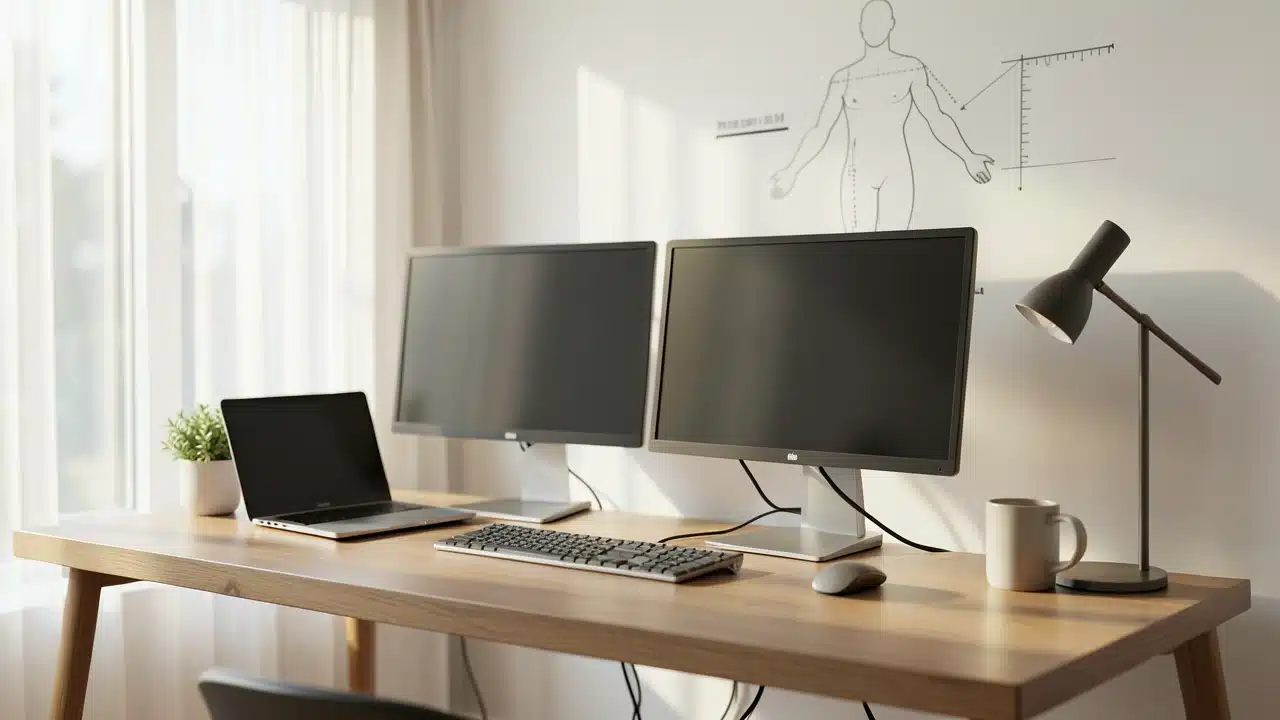
Ultimately, the goal is an ergonomic setup. This means your desk should allow you to position your monitors at eye level, your keyboard and mouse at a comfortable height, and your arms at a relaxed angle. If your desk is too narrow or too shallow, it becomes difficult to achieve this ideal posture.
This is why asking How Wide Does a Desk Need To Be To Comfortably Run Two Monitors? is so important; it directly impacts your physical well-being while you work or play.
Desk Depth: The Often-Overlooked Factor
We’ve touched on depth, but it deserves its own focus. A desk that is wide enough but too shallow can be just as problematic as a desk that is too narrow. A common mistake is focusing only on width.
A desk that is too shallow will force you to sit too close to your monitors. This can lead to:
- Eye Strain: Your eyes have to work harder to focus when you’re too close to large screens.
- Neck and Shoulder Pain: You might find yourself leaning forward or turning your head excessively to see both screens, leading to discomfort.
- Reduced Field of View: When monitors are too close, they can dominate your vision, making it hard to look between them naturally.
For a dual monitor setup, aim for a desk depth of at least 25 inches. 30 inches is even better, especially if you have larger monitors (27 inches or more) or want to use a monitor arm that extends out.
Choosing the Right Desk for You
When you’re shopping for a desk, keep these measurements in mind. Don’t just look at the overall aesthetic; consider the practical dimensions needed for your specific setup.
Standard Desk Sizes
Standard office desks often come in widths of 48, 60, and 72 inches. Depths are typically 24, 30, or 36 inches.
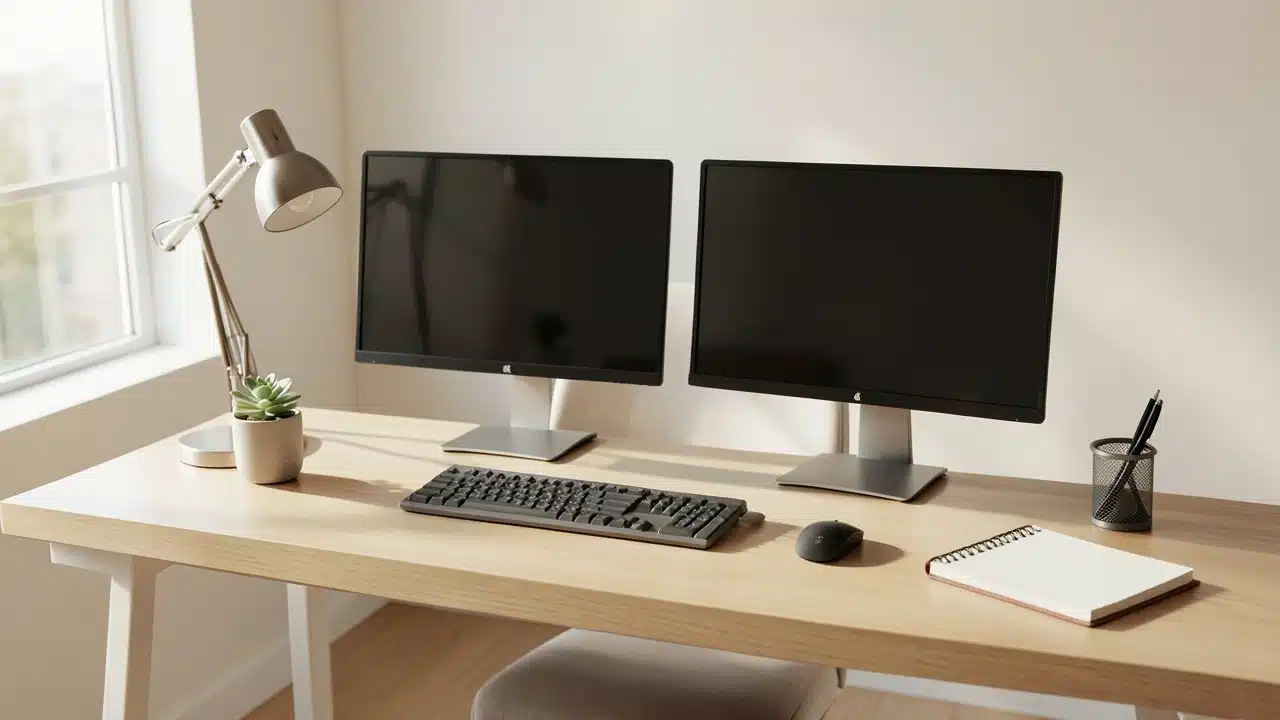
For running two monitors comfortably, you’ll likely want to aim for at least a 48-inch width, and ideally 55 inches or more, paired with a 25-inch or 30-inch depth.
L-Shaped Desks
An L-shaped desk can be an excellent solution for dual monitors, especially if you have a lot of space to fill.
The “L” shape provides ample surface area and allows you to arrange your monitors in a corner setup, which can be very ergonomic.
The total width of an L-shaped desk can be much greater than a straight desk, easily accommodating larger setups. Ergonomic guidelines for stand-up desks or sit-stand desks are provided by NIOSH.
Standing Desks
Standing desks or sit-stand desks are also popular. The same principles of width and depth apply. Ensure the standing desk you choose has a large enough surface area to accommodate your dual monitors and all your accessories, and that it can be adjusted to a comfortable height for both sitting and standing.
Frequently Asked Questions Of How Wide Does A Desk Need To Be To Comfortably Run Two Monitors?
What is the minimum desk width for two 24-inch monitors?
For two 24-inch monitors placed side-by-side, a minimum desk width of 48 inches is often cited, but 55-60 inches provides much more comfortable space for peripherals and ergonomic positioning.
How deep should my desk be for two monitors?
A desk depth of at least 25 inches is recommended, with 30 inches being ideal. This allows for proper viewing distance and space for monitor stands or mounts.
Will a monitor mount save me desk space for two monitors?
Yes, monitor mounts often save significant space by lifting monitors off the desk, but ensure the mount’s arms and clamp/grommet fit your desk and desired monitor placement.
Can I fit two 27-inch monitors on a 48-inch wide desk?
It would be very tight. Two 27-inch monitors, especially with their stands, will likely exceed 48 inches. A desk closer to 60 inches or wider is much better suited for two 27-inch monitors.
Does the arrangement of monitors affect desk width requirements?
Yes, placing monitors side-by-side requires more linear width than angling them. However, angling might require more desk depth or a specific desk shape to accommodate the spread.
How wide does a desk need to be to comfortably run two monitors and a laptop?
If you’re running two monitors plus a laptop, you’ll need to add the laptop’s footprint to your calculations. A desk that is 60 inches or wider is generally a good starting point for this kind of setup.
Final Thoughts
When figuring out How Wide Does a Desk Need To Be To Comfortably Run Two Monitors?, remember to measure your monitors, consider your preferred layout, and factor in depth for ergonomics. Aiming for a spacious and comfortable dual-monitor workspace requires a desk at least 55 inches wide.
Aiming for a desk that is at least 55-60 inches wide with a depth of 25-30 inches will provide a spacious and comfortable dual-monitor workspace. This ensures you have room for everything and can work without feeling cramped.