
A wobbly TV stand is typically caused by an uneven floor, loose or stripped fasteners, an overloaded stand, or poor assembly, all of which create a real safety risk. The permanent fix involves leveling the stand with furniture pads, tightening every screw, and verifying the weight limit to prevent bending or tipping. Using an anti-tip bracket or wall safety strap eliminates the wobble and protects your television from falling in under 30 minutes.
Quick Verdict: Simply put, a wobbly TV stand comes from four main causes: an uneven floor, loose screws, an overloaded stand, or poor assembly. You can fix it by leveling the stand, tightening all fasteners, and checking the weight limit. Use an anti-tip kit as a permanent safety measure.
Key Takeaways
- An uneven floor is the most frequent cause of a wobbly TV stand.
- Loose or stripped screws create instability that gets worse over time.
- Exceeding the weight capacity of your stand leads to bending and wobbling.
- Using a furniture leveler and an anti-tip bracket can solve the problem in under 30 minutes.
- Securing your TV to the wall with a safety strap prevents tipping even if the stand is bumped.
What Causes a TV Stand to Wobble?
A wobbly TV stand usually comes from one of four main causes. Each cause has a specific fix. Knowing which one applies to your stand saves you time and frustration.Uneven Flooring
Floors are rarely perfectly flat. This is especially true in older homes and apartments. Even a small slope of 1/8 inch can make a stand wobble noticeably.
According to the, standard floor joists can settle over time, creating dips and slopes. Carpets and rugs also hide uneven subfloors that cause instability.
Tip: Place a bubble level on top of your TV stand. If the bubble is not in the center, your floor is uneven.
Loose or Stripped Fasteners
Most TV stands come from the factory in flat boxes. You assemble them with screws, cam locks, and dowels. If you did not tighten every fastener fully, the stand will wobble.
Particle board and MDF are common materials for TV stands. These materials strip easily. Over-tightening or cross-threading a screw can ruin the threads permanently.
Poor Assembly
Skipping a step during assembly causes structural weakness. Missing a cross brace or installing a panel backward leads to wobbling. Many stands rely on the back panel for rigidity. If you do not nail or screw the back panel in place, the stand has no lateral strength.
Overloaded Stand
Every TV stand has a maximum weight limit. This includes the weight of your TV plus any components like soundbars, gaming consoles, or cable boxes.
lists weight limits for every stand in its product manual. According to Consumer Reports, exceeding the weight limit by even 10 pounds can cause the top panel to bow and the stand to wobble.
Low-Quality Materials
Budget TV stands often use thin particle board. This material absorbs moisture, expands, and loses strength over time. Solid wood or metal stands are much more stable.
How to Diagnose the Source of the Wobble
Before you try to fix a wobbly TV stand, you need to find the source. Follow these steps to diagnose the problem quickly.
- Clear the stand. Remove your TV, cables, and all decorations. This makes the stand lighter and easier to test.
- Push gently on each corner. Rock the stand from side to side and front to back. Note which direction has the most movement.
- Check for gaps. Look underneath the stand. If you see light passing between one leg and the floor, that leg is not touching.
- Inspect every screw and bolt. Look for screws that are not fully seated or holes that are stripped.
- Test the floor. Place a level on the floor near the stand. Check for slopes in different directions.
Important: Do not ignore a wobble hoping it will go away. Small movements get worse over time as screws loosen and materials wear down.
Step-by-Step Fix for a Wobbly TV Stand
You can fix a wobbly TV stand with basic tools in about 30 minutes. Here is the exact process to follow.
What You Need
Gather these tools before you start. Having everything ready makes the job faster.
- A screwdriver (Phillips and flathead)
- A set of Allen wrenches (hex keys)
- A bubble level (at least 24 inches long)
- Furniture levelers or shims
- An anti-tip kit (available at any hardware store)
- A drill (optional, for wall mounting the anti-tip strap)
Step 1: Tighten Every Fastener
The simplest fix is often the most effective. Go through the entire stand and tighten every screw and bolt. Do not use a power drill for this step. Hand-tighten each fastener so you do not strip the holes.
If a screw spins without tightening, the hole is stripped. You can fix stripped holes in particle board with wooden toothpicks and wood glue. Insert toothpicks into the hole, break them off flush, and drive the screw back in. The toothpicks give the screw new material to grip.
Step 2: Level the Stand
If the stand is still wobbly after tightening, the floor is the problem. Use furniture levelers or shims to fix it.
- Place the level on the top of the stand.
- Check left to right and front to back.
- Slide shims under the low legs until the bubble is centered.
- Trim the shims flush with the bottom of the stand using a utility knife.
Many TV stands come with adjustable feet. Twist these feet in or out to raise or lower each corner. This is the cleanest solution for uneven floors.
Step 3: Check the Weight Limit
Find the manual for your TV stand and look for the weight limit. If you cannot find the manual, check the manufacturer website. Compare this number to the weight of your TV plus all equipment on the stand.
Here is a quick reference for common stand limits.
| Stand Material | Average Weight Limit | Best TV Size | Common Issues |
|---|---|---|---|
| Particle Board | 50 – 80 lbs (23 – 36 kg) | 32″ – 55″ | Stripped screws, sagging |
| Solid Wood | 100 – 150+ lbs (45 – 68 kg) | 55″ – 85″ | Heavy, expensive |
| Tempered Glass | 40 – 60 lbs (18 – 27 kg) | 32″ – 50″ | Fragile, visible wobble |
| Metal / Steel | 80 – 120 lbs (36 – 54 kg) | 43″ – 75″ | Noisy, can bend over time |
Step 4: Install an Anti-Tip Kit
Even after fixing the wobble, you should install a safety strap. According to the, over 2,000 children are treated in emergency rooms each year for TV tip-over injuries. An anti-tip kit costs under 15 dollars and takes 10 minutes to install.
- Locate the studs in your wall behind the stand.
- Attach the metal bracket to the wall stud using a drill.
- Attach the matching bracket to the back of your TV stand or TV.
- Connect the two brackets with the provided nylon strap.
Warning: Do not skip the anti-tip strap. Even a small wobble can turn into a dangerous tip-over if a child or pet bumps into the stand.
What a Wobbly TV Stand Is Not
There is a lot of bad advice online about TV stand stability. Here are the facts.
- Myth: A small wobble is normal. Fact: Any wobble means the stand is not fully supported on the floor. Even a 1/4 inch movement can grow over time.
- Myth: Wood glue makes the stand stronger. Fact: Wood glue helps wooden joints but does not fix stripped screws or uneven floors. It can also make future disassembly impossible.
- Myth: A heavier TV stand is always more stable. Fact: A heavy stand on an uneven floor still wobbles. Weight distribution and level feet matter more than total weight.
- Myth: Carpet prevents wobbling. Fact: Carpet hides uneven subfloors and often makes wobbling worse because the stand sinks into the padding unevenly.
Pro Tips for a Rock-Solid TV Stand
Use these tips to prevent wobbling before it starts. These strategies work for any type of TV stand. Always secure your TV stand with an anti-tip strap to prevent dangerous tip-over accidents.
- Use shims on all four legs. Even if only one leg is off the floor, shim all four to distribute weight evenly.
- Distribute weight evenly. Place heavier components like receivers and game consoles on the bottom shelf. This lowers the center of gravity.
- Replace particle board fasteners. Many budget stands use cam locks that loosen with temperature changes. Replace them with machine screws and barrel nuts if possible.
- Add diagonal bracing. If the back of your stand is open, install a diagonal brace from the top left to the bottom right. This prevents lateral racking.
- Use rubber vibration pads. Place these under the feet of the stand. They grip the floor and absorb small vibrations from speakers or subwoofers.
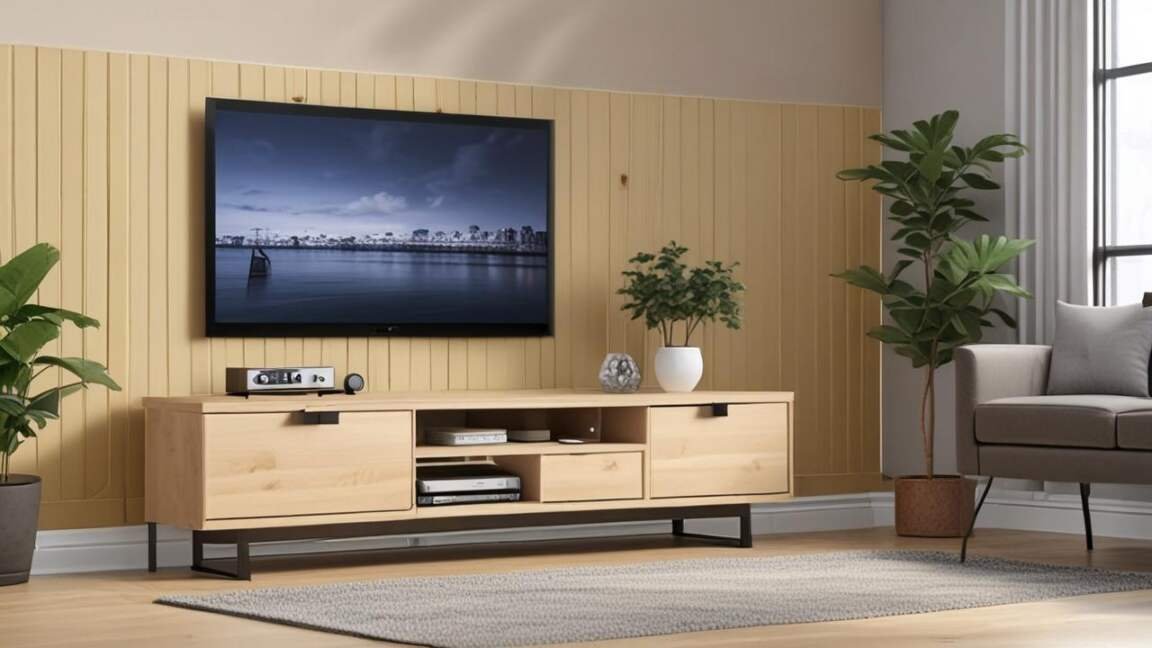
How to Prevent a Wobbly TV Stand from the Start
If you are buying a new TV stand, choose one that is built for stability. Look for these features. A solid back panel on a TV stand provides essential racking resistance and stability.
- Adjustable leveling feet. These let you fine-tune the height of each leg. They work on carpet, hardwood, and tile.
- A solid back panel. The back panel provides racking resistance. Stands with open backs are less stable.
- Wide feet or a solid base. A wider stance is harder to tip over. Measure your TV base and choose a stand that is at least as wide.
- Solid wood or steel construction. These materials do not strip or sag as easily as particle board.
Important: According to, the most stable TV stands have a weight capacity that is 20 percent higher than the weight of your TV. This gives you a safety margin for speakers and accessories.
Frequently Asked Questions
Can I fix a wobbly TV stand myself?
Yes, in most cases. Tightening screws, using shims on uneven floors, and installing an anti-tip strap are simple DIY fixes. The process takes about 30 minutes with basic tools.
What is the weight limit for a standard TV stand?
Most particle board TV stands hold between 50 and 80 pounds. Solid wood stands hold up to 150 pounds or more. Check the manual or look for a sticker on the back panel to find the exact limit for your model.
Do I need anti-tip straps for a wobbly stand?
Yes. Anti-tip straps are essential even after you fix the wobble. According to the, straps prevent tip-overs that cause serious injuries.
Why is my TV stand wobbling on carpet?
Carpet padding compresses unevenly under the weight of a TV stand. This causes the stand to tilt and wobble. Place a piece of 3/4 inch plywood under the stand to distribute the weight across the carpet fibers.
Can I put a heavy TV on a glass TV stand?
Only if the stand is rated for the weight. Tempered glass stands typically hold 40 to 60 pounds. Check the rating before placing your TV on a glass stand. Glass is more prone to wobbling than wood or metal.
Final Thoughts
A wobbly TV stand is a fixable problem that poses a serious safety risk. Start by checking the floor and tightening every screw. For long-term safety, always use an anti-tip strap. Your family and your television will be safer because of it. Using adjustable leveling feet on your TV stand can compensate for uneven floors and prevent wobbling.