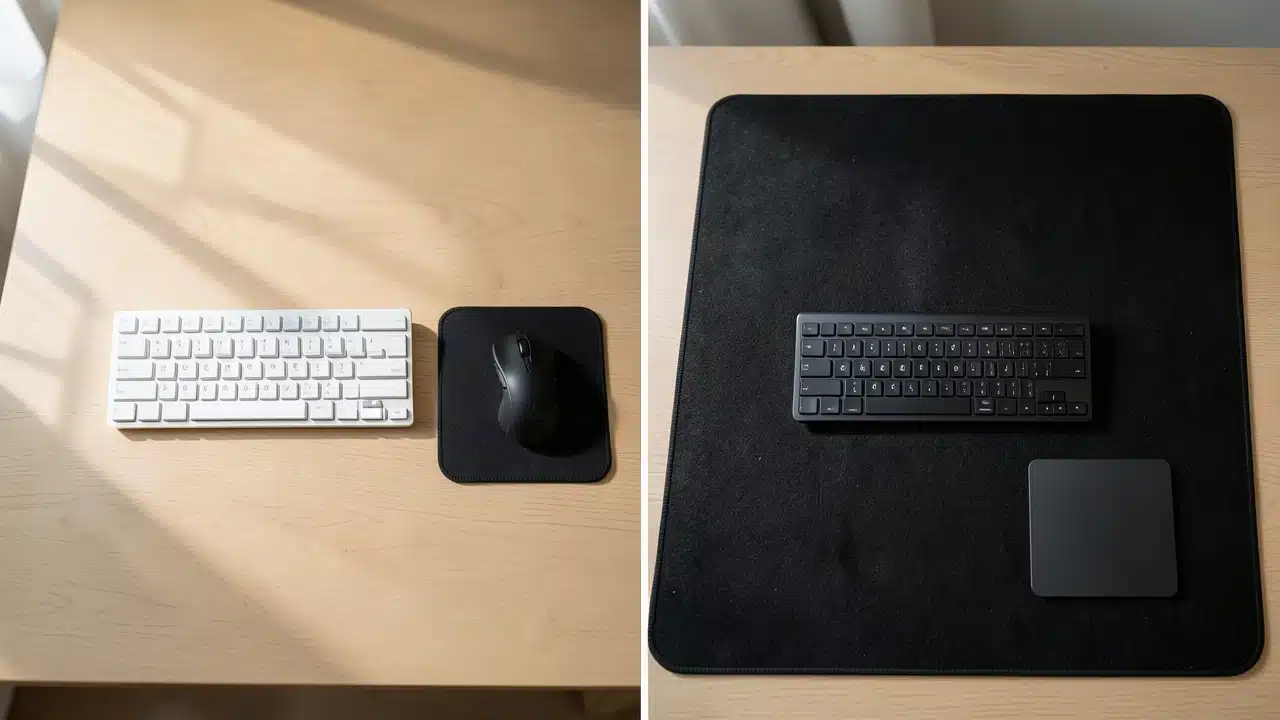
Separate keyboard and mouse pad vs. one large extended mat comes down to desk size, mouse movement, and cleaning needs, as extended mats protect more surface area while separate pads offer easier replacement and repositioning. Gamers and dual-monitor users generally benefit from the unified surface of an extended mat, whereas compact desks often work better with separate keyboard and mouse pads for flexibility. The key takeaway is that your choice should prioritize workspace layout and ergonomic comfort, since extended mats create a cleaner setup but separate pads are simpler to maintain and swap out.
Separate keyboard and mouse pad vs. one large extended mat depends on desk size, movement, and cleaning needs.
A separate mouse pad is easier to replace and reposition, while an extended mat protects more surface area and creates a cleaner setup.
Gamers and dual-monitor users often prefer extended mats; compact desks may work better with separate pads.
Choosing the right setup for your desk can make a big difference in how you work and play. You want your keyboard and mouse to feel just right, and that means thinking about your desk mats.
Deciding between having separate pads for your keyboard and mouse or opting for one big extended mat is a common question.
This choice matters because it affects your comfort, your desk’s look, and how smoothly you can move your mouse.
We’ll break down the pros and cons to help you figure out Separate Keyboard and Mouse Pad vs. One Large Extended Mat: Which Wins? so you can create the perfect workspace for you.
Key Takeaways
- Space and Layout: Understand how each option affects your available desk space and overall arrangement.
- Comfort and Ergonomics: Learn how different pads can impact your typing and mousing comfort.
- Aesthetics and Style: Discover how each choice can change the look and feel of your desk setup.
- Performance for Gaming and Work: See how your pad choice might affect precision and speed.
- Durability and Maintenance: Get insights into how easy each type of pad is to clean and how long it lasts.
- Cost Considerations: Compare the typical price ranges for separate pads versus extended mats.
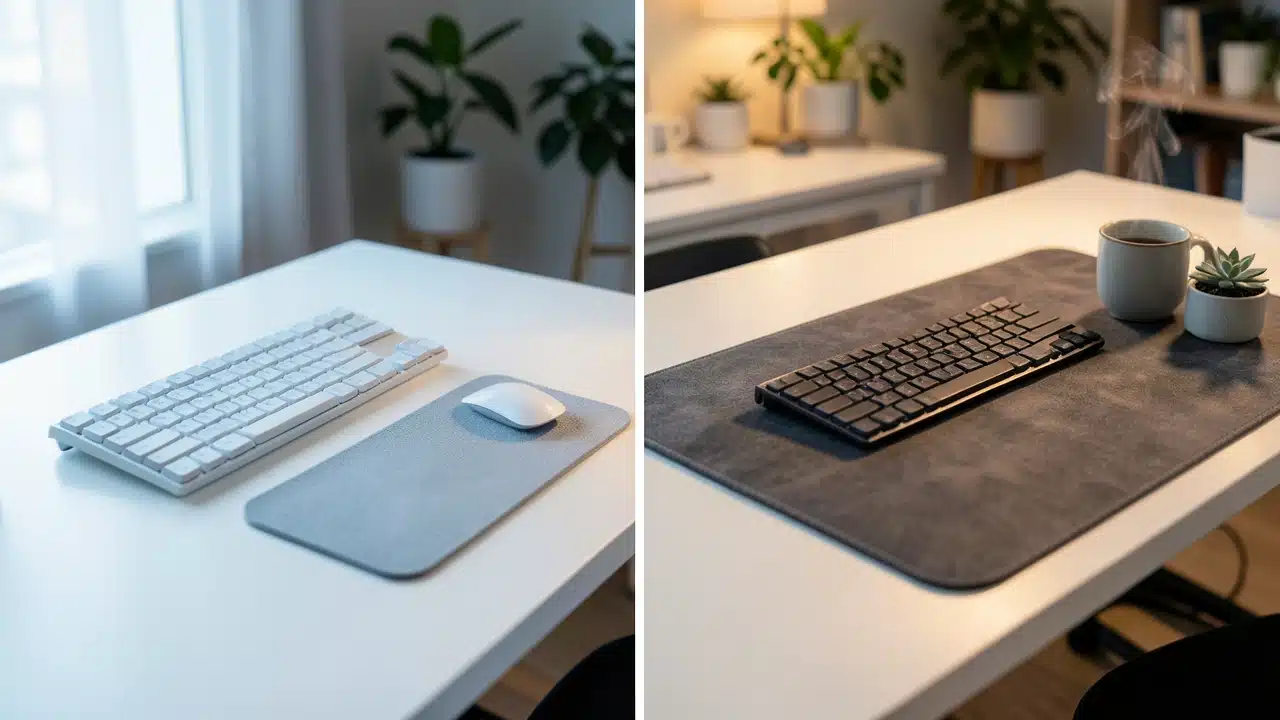
Creating Your Ideal Desk Space
When you set up your computer, a few things are super important. You want everything to be easy to reach and feel good to use. Your keyboard and mouse are used all the time.
So, how you place them and what you put them on really matters. We’re going to look at two popular ways people set up their desk surfaces: using separate pads for the keyboard and mouse, or going with one big mat that covers both. This decision can change how your desk looks and how comfortable you feel while working or gaming.
The Case for Separate Keyboard and Mouse Pads
Many people start with separate pads. This is often the default when you buy a new mouse or keyboard. You get a small pad for your mouse, and your keyboard just sits directly on the desk or a separate, often thinner, keyboard mat.
This setup gives you a lot of flexibility. You can pick out a mouse pad that’s perfect for your mouse’s movement. You can also choose a different style or thickness for your keyboard mat if you use one.
One big plus of separate pads is customization. If your mouse pad wears out, you only need to replace that one. The same goes for a keyboard mat.
You can also arrange them exactly how you like. Some people like a lot of space between their keyboard and mouse. Others prefer them closer together.
Separate pads let you fine-tune this spacing. This freedom can be great for people who have very specific needs for their workspace.
Mouse Pad Advantages
A dedicated mouse pad is usually designed for one thing: smooth and precise mouse tracking. They come in many materials like cloth, plastic, or metal. Each offers a different glide and feel.For gamers and designers, a good mouse pad is essential for accuracy. A cloth pad often provides good control. A hard pad might offer faster glide.
The size can also vary, from small pads to large ones that give you plenty of room for big mouse movements.
Keyboard Mat Benefits
If you use a keyboard mat, it’s often for protecting your desk from scratches. It might also add a little cushioning for your wrists. Some keyboard mats are very thin and simple.
Others are thicker and might have a wrist rest built-in. The main goal here is usually protection and a bit of comfort, rather than enhancing typing performance. They are generally smaller than a full desk mat.
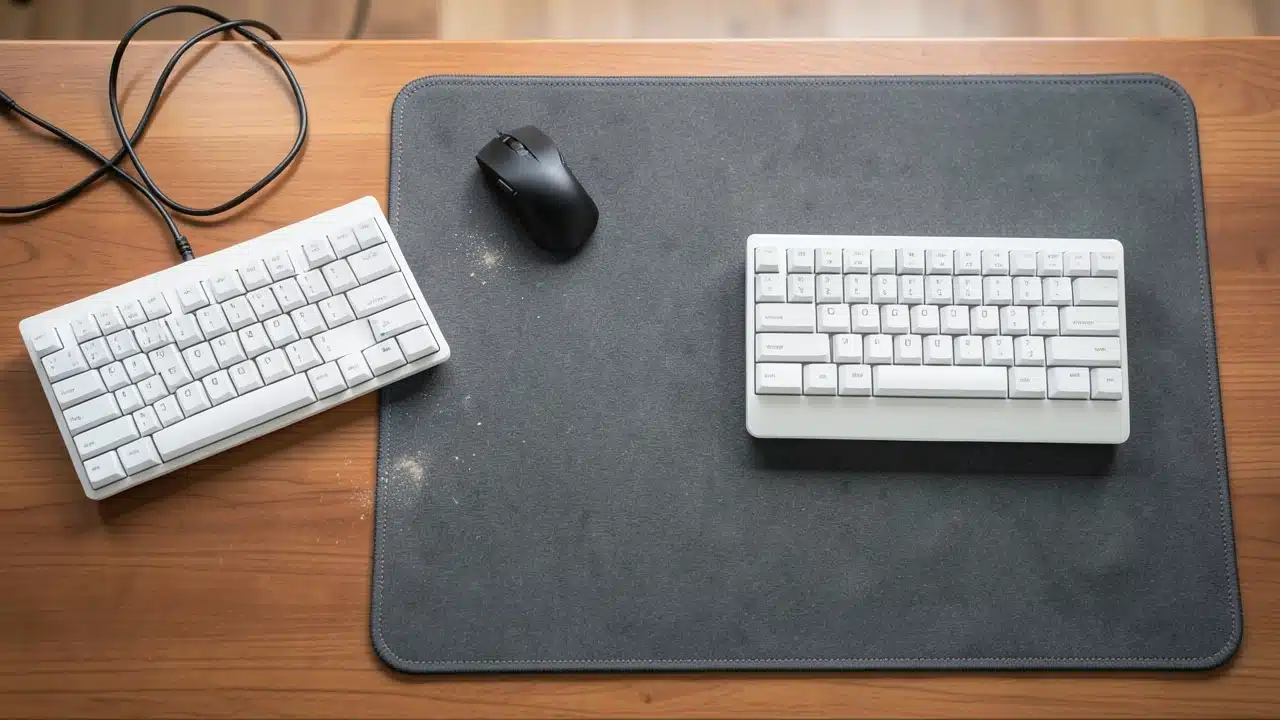
The Rise of the Large Extended Mat
More recently, large extended mats have become very popular. These are big mats that stretch across a good portion of your desk. They are designed to hold both your keyboard and your mouse.
This creates a unified surface for your main desk items. The idea is to offer a consistent feel and look for your entire setup. Many people find this approach really cleans up their desk.
The biggest advantage of an extended mat is often the seamless experience it provides. Your mouse can glide smoothly from your keyboard area onto the mat without hitting an edge. This is especially nice for people who use their mouse a lot for work or gaming.
It means you don’t have to worry about your mousepad running out of space mid-game or during a creative task. It offers a consistent surface for all your peripherals.
Unified Surface for Movement
With an extended mat, the entire surface is essentially your mousepad. This means you have a huge area to move your mouse around.
You can use a lower mouse sensitivity if you prefer, allowing for more precise aiming or control without ever running off the edge of your pad.
This is a huge benefit for many gamers. It also means that if you shift your keyboard slightly, your mouse still has a perfectly smooth surface to work on. This consistent glide is a major draw for the Separate Keyboard and Mouse Pad vs.
One Large Extended Mat: Which Wins? debate.
Desk Protection and Aesthetics
Extended mats are also fantastic for protecting your desk. They cover a large area, shielding it from scratches, spills, and wear. They can also hide minor imperfections on your desk surface.
Aesthetically, they can tie your setup together. You can get them in many colors, patterns, and designs. This allows you to personalize your desk and make it look more cohesive and professional, or just more stylish.
Comparing Key Factors: Separate Pads vs. Extended Mat
To truly understand Separate Keyboard and Mouse Pad vs. One Large Extended Mat: Which Wins?, we need to compare them head-to-head on important factors. This comparison will help you see which option might be better for your specific needs and preferences.
| Desk Space Usage | Uses less overall desk space, allowing for more varied desk layouts. | Covers a larger area, creating a unified look but potentially limiting other desk items. |
| Customization | High. Can mix and match different pads for keyboard and mouse. | Limited. One mat for both, though designs vary. |
| Mouse Movement Area | Dependent on mouse pad size; can be limited if a small pad is chosen. | Vast. Provides ample space for large mouse movements regardless of keyboard position. |
| Desk Protection | Protects areas directly under the pads; less coverage overall. | Excellent. Protects a large portion of the desk surface from spills and scratches. |
| Aesthetics | Can look a bit disjointed unless carefully chosen; allows for accent colors. | Creates a clean, unified, and often professional or gaming-focused look. |
| Maintenance | Easier to clean individual, smaller pads. | Requires cleaning a larger surface area, which can be more time-consuming. |
| Cost | Can be cheaper initially if buying basic pads; high-end options add up. | Generally a single, larger purchase; can offer good value for the area covered. |
| Ergonomics | Flexibility to position items for personal comfort. | Can promote a more consistent posture by keeping keyboard and mouse aligned. |
Who Benefits Most from Separate Pads?
Separate keyboard and mouse pads are often the go-to for people who like to fine-tune every aspect of their setup.
If you have a very specific mouse you use and need a particular type of surface for it, a dedicated mouse pad is essential. For instance, competitive gamers often swear by certain cloth pads for their control.
They might also prefer a minimalist setup with just a small mouse pad and their keyboard directly on the desk.
This option is also good if you have a smaller desk. You can strategically place your mouse pad where you need it most. You can also easily swap out just the mouse pad if it gets dirty or worn out, without affecting your keyboard.If you like to change your desk’s look frequently with small accessories, separate pads offer more flexibility. The ability to choose different designs and materials for each item is a big plus.
The Gamer’s Choice for Precision
For many gamers, precision is everything. A smaller, high-performance mouse pad can offer the perfect balance of glide and stopping power. They might not need or want a huge mat.
They just need a reliable surface for their mouse. This allows them to position their keyboard exactly where they find it most comfortable for gaming without it interfering with their mouse movements.
The Minimalist’s Approach
A minimalist desk setup often features separate pads. It keeps the focus on essential items. A small mouse pad and a sleek keyboard can create a clean look.
This approach avoids visual clutter. It’s great for people who want a tidy workspace that feels calm and organized. The simplicity of separate, well-chosen pads can be very appealing.
Who Benefits Most from One Large Extended Mat?
The large extended mat is a dream for those who want a clean, cohesive, and spacious workspace. If you find yourself constantly running out of room for your mouse, or if your mouse pad slides around, an extended mat is a great solution. It provides a massive surface area that ensures your mouse always has grip and space.
This is why many people consider it when asking Separate Keyboard and Mouse Pad vs. One Large Extended Mat: Which Wins?
This type of mat is also excellent for protecting your desk. If you're worried about scratches, spills, or just general wear and tear on your desk surface, a large mat acts as a protective shield. It can also significantly improve the aesthetics of your desk.
By covering a large area, it can make your setup look more professional, organized, and visually appealing. Many find it helps them focus better by reducing visual distractions.
The Productivity Powerhouse
For professionals who spend hours at their desk, an extended mat can boost productivity. It keeps everything within easy reach and on a consistent surface. You can rest your keyboard comfortably.
Your mouse has all the space it needs. This smooth, uninterrupted surface can lead to fewer errors and a more fluid workflow. It helps maintain a comfortable posture and reduces the need to constantly adjust your peripherals.
The Gamer’s Command Center
Gamers often love extended mats for the sheer amount of space they offer. They can use a low mouse sensitivity for maximum accuracy, knowing they’ll never run out of room to track targets. It also keeps their keyboard from shifting, which is crucial during intense gaming sessions.
The consistent surface provides reliable performance, no matter how fast or erratic your mouse movements are.
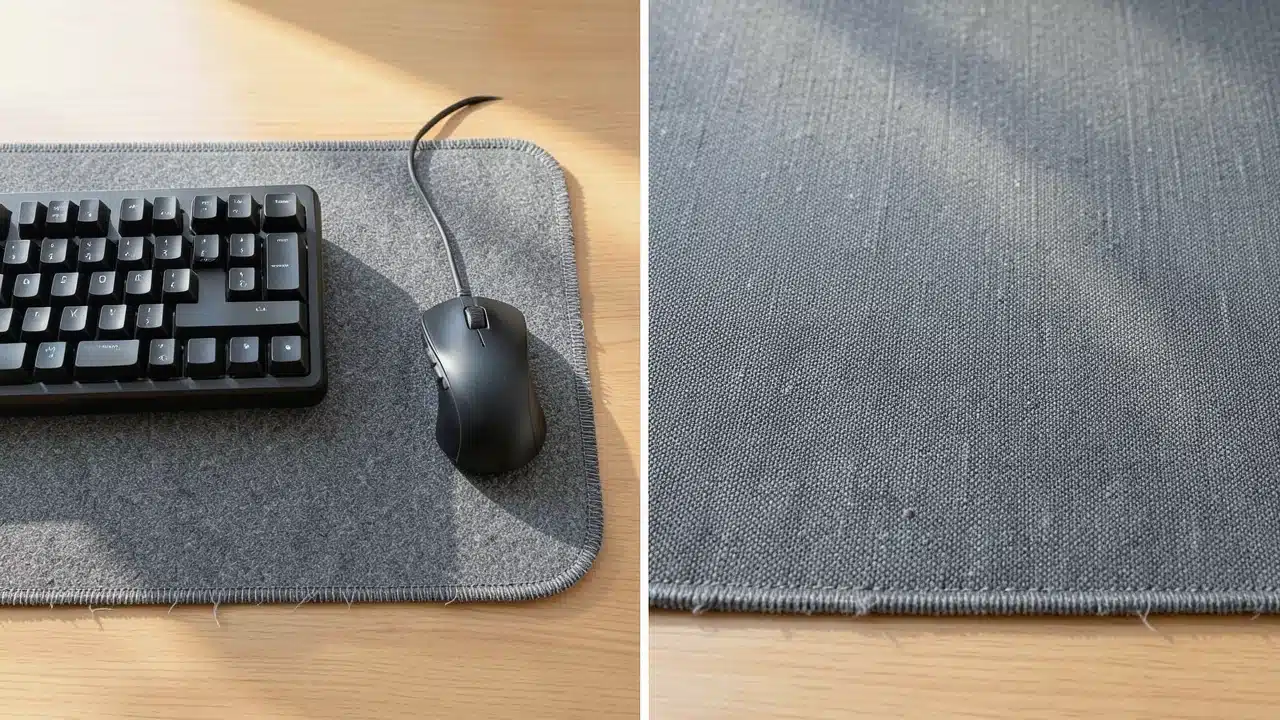
Considering Material and Durability
The materials used for both separate pads and extended mats play a big role in their performance and how long they last.
For mouse pads, common materials include cloth, plastic, and aluminum. Cloth pads offer a balance of speed and control.
Plastic pads are usually faster but can wear down over time. Metal pads are very fast and durable but can be noisy.
Extended mats are most often made of cloth with a rubber base. The cloth top provides a good surface for both keyboard stability and mouse glide. The rubber base keeps the mat firmly in place on your desk, preventing it from sliding around.
Durability is generally good for these mats. They are designed to withstand daily use. However, like any fabric, they can eventually show wear, especially in high-use areas like where your mouse frequently travels.
Cleaning and Maintenance
Cleaning separate mouse pads is usually quite simple. Most cloth mouse pads can be gently hand-washed with soap and water. Drier pads can often be wiped down with a damp cloth.
Extended mats require a bit more effort due to their size. You might need to take them outside to clean them properly if they get very dirty. However, regular dusting and spot cleaning with a damp cloth are usually sufficient for most users.
The Longevity Factor
In terms of longevity, both options can last a long time if cared for properly. A high-quality separate mouse pad can last for years. Similarly, a well-made extended mat can also be a long-term investment.
The choice might come down to how often you’re willing to replace items. If you like to refresh your setup often, separate pads might be more appealing. If you prefer a set-it-and-forget-it approach, an extended mat could be better.
Cost: What to Expect
When thinking about Separate Keyboard and Mouse Pad vs. One Large Extended Mat: Which Wins?, cost is definitely a factor.
Separate mouse pads can range from very affordable ($5-$10) for basic models to quite expensive ($30-$60+) for premium, high-performance options.
Keyboard mats are often in a similar price range, or slightly more if they include wrist rests or special materials.
One large extended mat typically represents a single purchase. Prices can start around $15-$25 for basic, smaller extended mats.
Larger, higher-quality extended mats with premium materials and designs can cost anywhere from $30 to $100 or more.
If you were to buy a separate high-end mouse pad and a decent keyboard mat, the total cost might be comparable to a mid-range extended mat.
Value Proposition
The value you get depends on your needs. If you only need a basic mouse pad and don’t care about a keyboard mat, separate pads are cheaper. Choosing separate keyboard and mouse pad can provide customizable surfaces for different tasks.
If you want a consistent, large surface for both, an extended mat often offers better value for the area covered.
It provides a unified aesthetic and functional experience that might be harder to achieve with separate pieces.
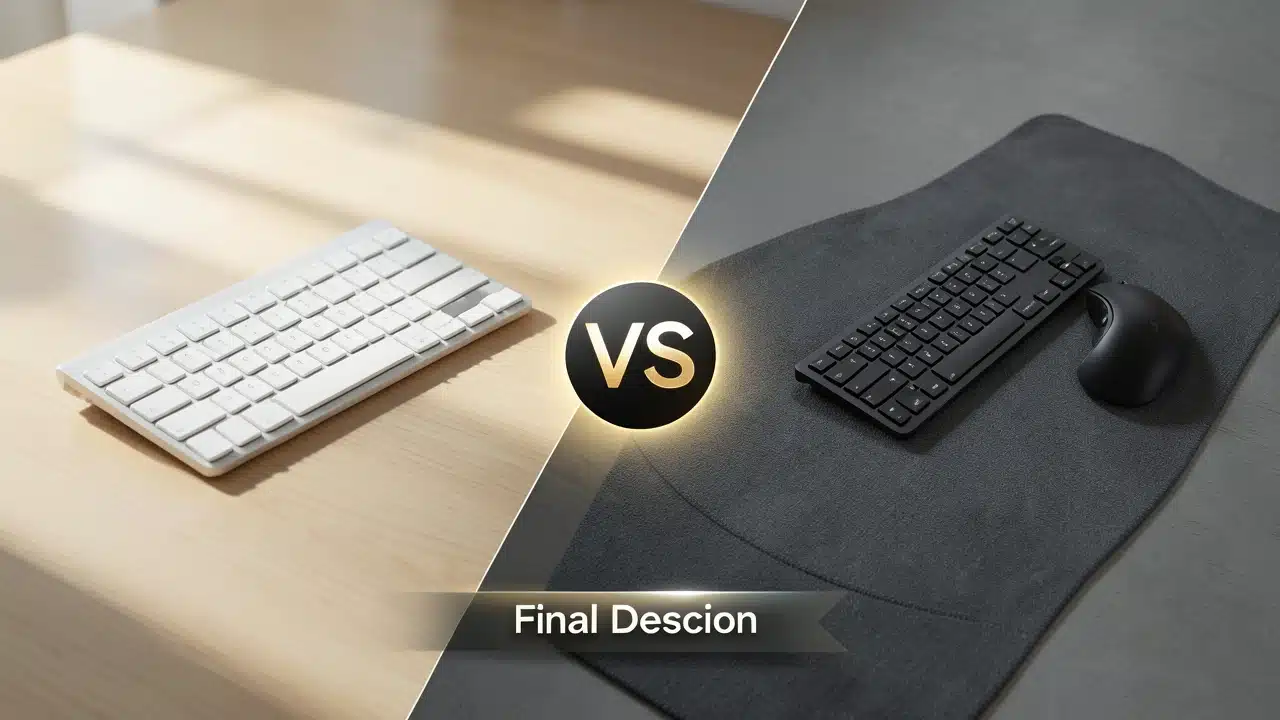
Making Your Final Decision
Deciding between separate pads and one large extended mat comes down to personal preference and how you use your desk. There’s no single “winner” for everyone. It’s about finding what works best for your specific situation.
Consider your desk size, your primary activities (gaming, work, creative tasks), and your aesthetic preferences. Also, think about how much you value customization versus a unified look.
If you love to mix and match, have a small desk, or need very specific surfaces for your peripherals, separate pads offer great flexibility.
You can tailor each component to your exact needs. This is a solid choice for those who enjoy tweaking their setup regularly.The ability to replace individual items as they wear out is also a practical advantage.
On the other hand, if you crave a clean, seamless workspace, want maximum mouse glide room, and appreciate a unified aesthetic, an extended mat is likely the way to go. Proper keyboard and mouse placement helps maintain a neutral wrist position.
It simplifies your desk setup, protects your surface, and provides a consistent feel across a large area. It’s a great option for those who want a streamlined and visually appealing desk that’s ready for anything.
Frequently Asked Questions Of Separate Keyboard And Mouse Pad Vs. One Large Extended Mat: Which Wins?
What is the main difference between separate pads and an extended mat?
Separate pads are individual mats for your mouse and possibly your keyboard, offering customization. An extended mat is one large mat that covers the area for both your keyboard and mouse, providing a unified surface and look.
Is an extended mat better for gaming?
Many gamers prefer extended mats because they offer a vast, consistent surface for mouse movements, allowing for lower sensitivity and greater precision without running out of space. The stability of the keyboard on the mat is also a plus.
Can I still use a wrist rest with an extended mat?
Yes, you can. Some extended mats are designed with a slight lip or curve to accommodate wrist rests, or you can place a separate wrist rest on the mat in front of your keyboard.
How do I clean an extended mouse pad?
Most extended mats can be cleaned by wiping them with a damp cloth and mild soap. For deeper cleaning, you might need to remove it from the desk, wash it gently by hand, and let it air dry completely before placing it back.
What if I only need a better mouse pad and not a keyboard mat?
If you only need an upgrade for your mouse pad, a high-quality separate mouse pad is a great option. You can choose one with specific material and size properties that suit your mouse and play style perfectly.
Does the material of the pad really matter for Separate Keyboard and Mouse Pad vs. One Large Extended Mat: Which Wins?
Yes, material significantly impacts glide, control, and durability. Cloth offers control, while plastic and metal offer speed. Extended mats are typically cloth-top, rubber-base, designed for balanced performance and stability.
Can an extended mat help with desk scratches?
Absolutely. An extended mat acts as a protective layer for your desk surface, shielding it from scratches, spills, and general wear and tear over time.
Final Thoughts
Choosing between separate pads and a large extended mat depends on what you value most. If you like customizability and precise control over each element, separate pads are ideal. For a clean, unified, and spacious setup that protects your desk, an extended mat is often the better choice. Following guidelines for ergonomic workstation setup can reduce strain during long typing sessions.
Both can enhance your desk experience.