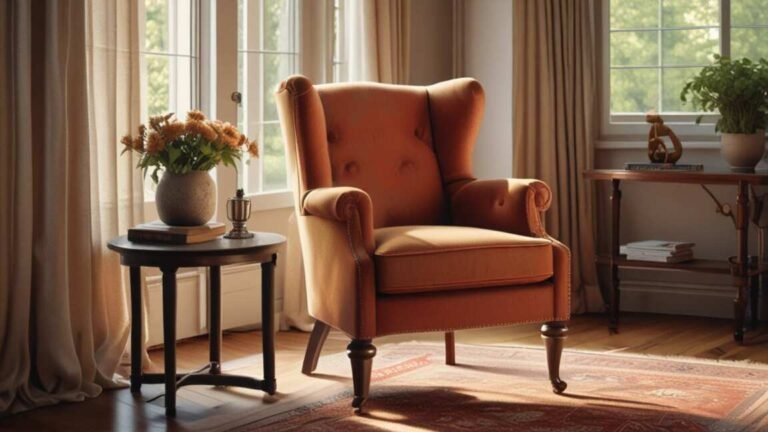

The six critical factors to evaluate before purchasing a reading chair are seat height and depth, back support and ergonomics, comfortable armrests, durable upholstery, a smooth recline mechanism, and a compact size for your space. Ensuring that your feet rest flat with knees at a 90-degree angle prevents circulation problems and pressure points, while proper lumbar support reduces back pain risk for the majority of adults who experience it. Choosing a chair that matches your body dimensions and reading habits directly enhances comfort and prevents long-term discomfort.
Quick Verdict
Simply put, a reading chair needs proper seat height, lumbar support, comfortable armrests, durable upholstery, a smooth recline mechanism, and a size that fits your space. Focus on these six factors to avoid buying a chair that hurts your back or collects dust. The best reading chair matches your body dimensions and reading habits.
Key Takeaways
- Seat height and depth must allow your feet to rest flat and knees at a 90-degree angle to prevent circulation issues and pressure points.
- Lumbar support is critical because 80% of adults experience back pain at some point, and a supportive chair reduces that risk significantly.
- Armrests should allow your shoulders to relax and your elbows to rest at 90 degrees while holding a book or e-reader.
- Upholstery material affects comfort, breathability, and maintenance – leather lasts longer but fabric offers more airflow.
- Recline features let you shift positions during long reading sessions, reducing strain on your spine and hips.
- A compact footprint ensures the chair fits your room without blocking pathways or feeling cramped.
Quick Comparison Table
| Feature | Why It Matters | Red Flag |
|---|---|---|
| Seat Height & Depth | Keeps legs comfortable and blood flowing | Seat too high causes thigh pressure; too deep forces slouching |
| Back Support | Reduces lower back strain | No lumbar curve or too soft backrest |
| Armrest Design | Supports arms while holding reading material | Too high raises shoulders; too low doesn’t support elbows |
| Upholstery | Affects sweat, comfort, and cleaning ease | Synthetic material without breathability |
| Recline & Rocking | Allows position changes during long sessions | Stiff recline or loose rocking that feels unstable |
| Size & Footprint | Fits your room without clutter | Chair obstructs walkways or feels oversized |
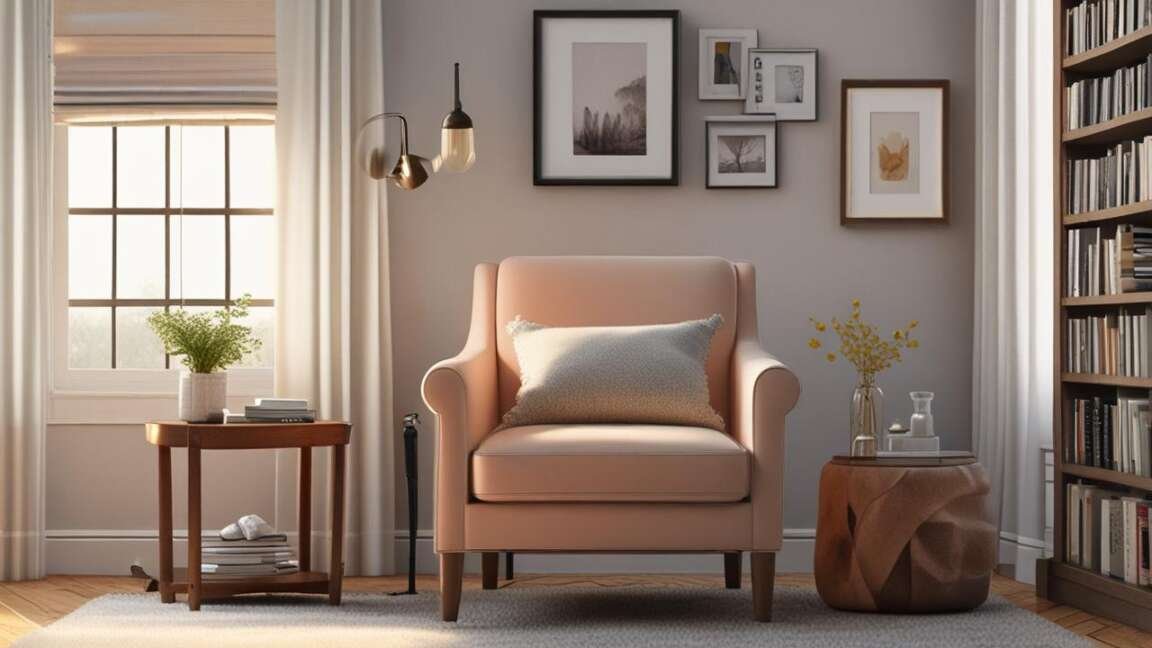
1 – Seat Height and Depth
Your seat height should let your feet rest flat on the floor. Your knees should form a 90-degree angle. If the chair is too high, your thighs will feel pressure and your feet may dangle. Too low, and you’ll struggle to stand.
Seat depth matters just as much. You need about two inches between the back of your knees and the front edge of the seat. A deep seat forces you to lean back without proper lumbar support. A shallow seat leaves your thighs unsupported.
How to Test It
- Sit with your back against the chair. Check that your feet rest flat on the floor.
- Measure the gap behind your knees – it should be 2-3 inches wide.
- Your thighs should be parallel to the floor, not tilted up or down.
Important: According to the Occupational Safety and Health Administration, improper seat height contributes to 54% of workstation-related discomfort. The same principle applies to reading chairs – your seat height directly affects your spine alignment.
Pros and Cons
- Proper height: Keeps blood flowing and prevents numbness in legs.
- Wrong depth: Leads to slouching or pressure behind the knees.
Best For
Short to average-height readers who can adjust with pillows if needed. Very tall or very short individuals may need custom options.
2 – Back Support and Ergonomics
Your lower back needs consistent support during long reading sessions. A reading chair with built-in lumbar support keeps your spine in a neutral curve. Without it, you’ll slump forward and strain your back.
According to the American Academy of Orthopaedic Surgeons, 80% of adults experience lower back pain at some point. A supportive chair reduces the risk of chronic pain and improves posture.
What to Look For
- Lumbar curve: A pronounced inward curve at the lower back area.
- Adjustable support: Some chairs let you move the lumbar pad up or down.
- Backrest height: Should reach at least mid-back; higher is better for full support.
Warning: Avoid chairs with a completely flat or straight back. They force your lumbar spine to arch unnaturally, leading to muscle fatigue within 30 minutes of reading.
Pros and Cons
- Good support: Reduces back pain and improves concentration during reading.
- Poor design: Causes slouching and increases risk of herniated discs over time.
Best For
People who already experience back pain or discomfort with existing furniture. Also ideal for readers who spend more than 90 minutes per session in one position.
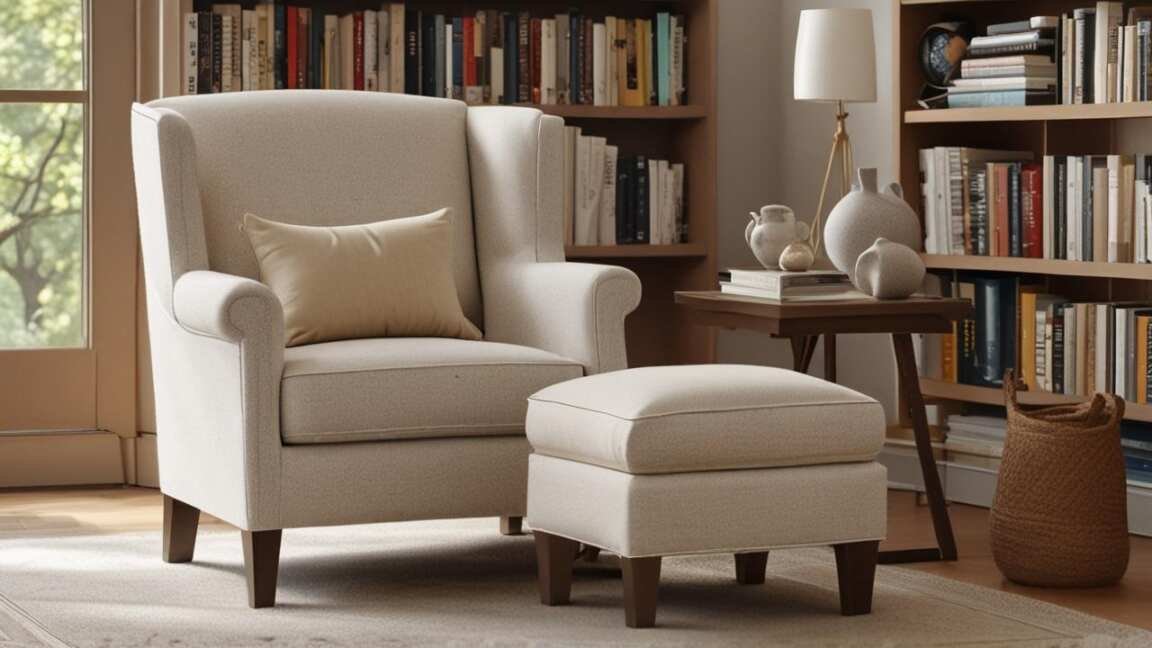
3 – Armrest Design
Armrests carry the weight of your arms while you hold a book, Kindle, or tablet. Proper height lets your shoulders relax and your elbows stay bent at 90 degrees. Improper height causes shoulder tension and neck strain.
Test armrests by sitting naturally and placing a book in your lap. Your forearms should rest comfortably with elbows close to your body.
Armrest Styles
- Padded armrests: Soft but can compress over time. Best for comfort.
- Hard armrests: Durable but may cause pressure on elbows.
- Adjusted armrests: Some chairs allow height, width, or pivot adjustments.
Tip: If you read on a tablet or smartphone, look for armrests that are wide enough to rest the device on the arm itself. This reduces strain on your wrists and forearms.
Pros and Cons
- Well-designed armrests: Reduce shoulder fatigue and let you read longer.
- Poor armrests: Cause you to hunch or lean to one side, leading to muscle imbalances.
Best For
Readers who hold heavy hardcovers or use tablets. Also good for people with existing shoulder or wrist problems.
4 – Upholstery Material
The material of your reading chair affects how it feels against your skin, how it breathes, and how easy it is to clean. Fabric like cotton or linen breathes well but stains easily. Leather looks elegant and cleans with a wipe, but can feel sticky in warm weather.
Consider your reading environment. If you read in a cool room, leather works fine. If you enjoy reading in the sun, opt for breathable fabric.
Common Materials
| Material | Pros | Cons |
|---|---|---|
| Cotton/Linen | Breathable, soft, natural feel | Stains easily, wears out faster |
| Leather | Durable, easy to clean, looks premium | Hot in summer, cold in winter, expensive |
| Microfiber | Stain-resistant, soft, affordable | Can attract dust, less breathable |
| Velvet | Luxurious feel, warm, good for cold rooms | Requires special cleaning, shows wear |
Pros and Cons
- Fabric: Comfortable for long sits but may need more cleaning.
- Leather: Lasts decades but requires maintenance.
Best For
Fabric for warm climates or all-day reading. Leather for formal rooms or readers who prefer a sleek look.
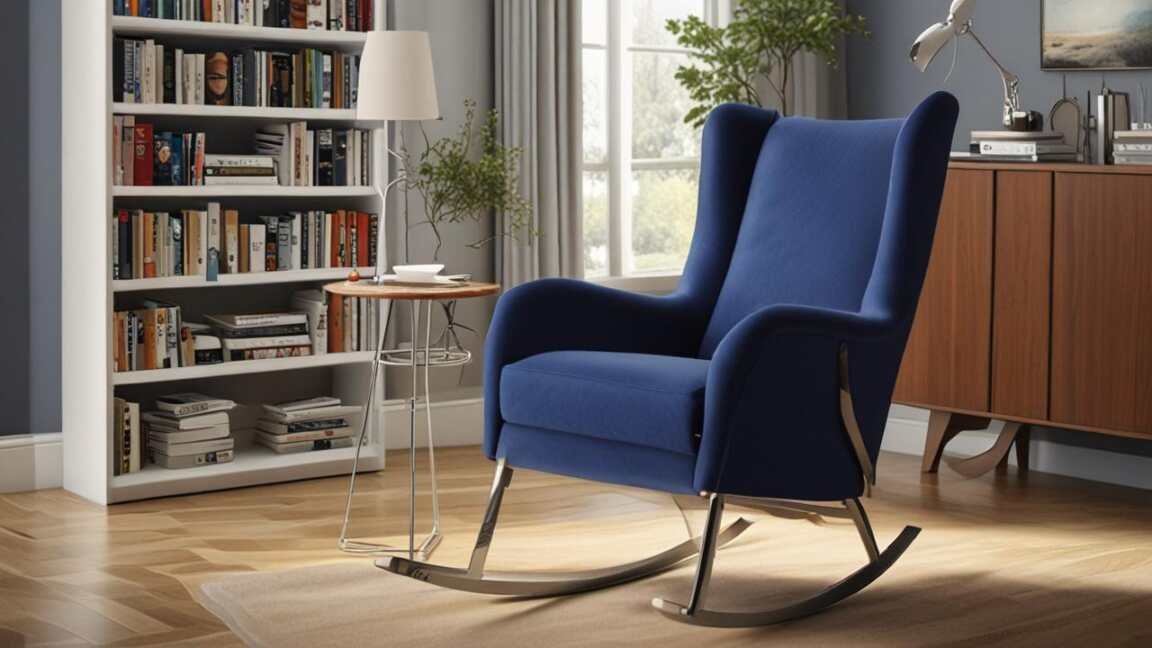
5 – Recline and Rocking Mechanism
Reading often involves shifting positions. A reading chair that reclines lets you lean back and take pressure off your spine. Rocking chairs can soothe you while you read. But the mechanism must be smooth and stable.
Test the recline by applying gentle pressure. Does it lock in place? Does it return to upright without a fight? For rocking chairs, check that the rockers don’t tip too far back.
Types of Mechanisms
- Manual recline: Usually a lever or handle. Simple and reliable.
- Swivel rocker: Combines rotation with rocking. Good for spacious rooms.
- Power recline: Motorized adjust. Quiet and precise but requires power nearby.
Important: According to Mayo Clinic, changing positions regularly while seated reduces pressure on your discs and improves circulation. A recline feature encourages natural movement.
Pros and Cons
- Recline function: Helps shift weight and prevent stiffness.
- No recline: Limits your ability to adjust posture during long sessions.
Best For
Readers who enjoy napping with a book or who have back conditions that require frequent position changes. Rocking chairs are ideal for parents reading to children.
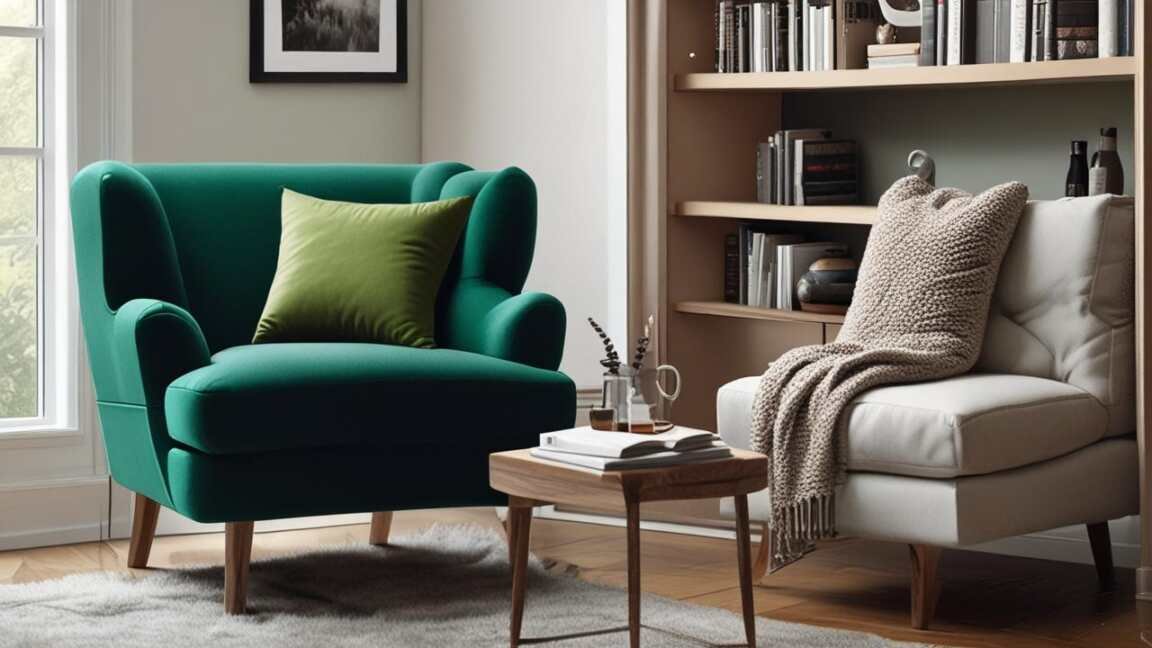
6 – Size and Footprint
A large chair may look comfortable, but if it overpowers your room, it becomes a nuisance. Measure your space before buying. Factor in the chair’s width, depth, and the space needed to recline.
Consider the chair’s silhouette. A high-back wing chair creates a reading nook feel but blocks light. A low-back chair fits under a window but offers less support.
How to Measure
- Clear the area where you plan to place the chair.
- Mark the maximum width and depth the chair can occupy without blocking walkways.
- Add 12-18 inches behind the chair for recline clearance.
- Check that the chair fits through doorways and around corners during delivery.
Warning: Many people buy a chair that fits the room but forget about the hallway or entryway. Measure your doors and stairwells to avoid a delivery nightmare.
Pros and Cons
- Proper size: Leaves room for a side table, lamp, and footstool.
- Too large: Makes the space feel cramped and can’t be moved easily.
Best For
Small apartments or rooms with multiple functions. Compact chairs work well in corners or near windows.
How to Choose the Right Reading Chair
Start with your body measurements and room dimensions. Then prioritize the checks that matter most for your reading habits. Use this step-by-step process.
- Measure yourself: Write down your height, inseam, and preferred seat height.
- Test support: Sit in chairs and check for lumbar comfort.
- Evaluate armrests: Hold a book naturally and see if your arms relax.
- Check material: Choose based on your climate and cleaning preference.
- Test movement: Recline and rock to feel the mechanism’s smoothness.
- Measure twice: Confirm the chair fits your space and access paths.
A reading chair that passes all six checks will serve you for years. Skimping on any one factor can lead to discomfort or a chair you rarely use.

Common Myths vs Facts
Myth 1: All reading chairs are equally comfortable
Fact: Comfort depends on individual body shape, weight, and reading posture. A chair that feels great for one person may cause pain for another.
Myth 2: You don’t need lumbar support if the seat is soft
Fact: Soft seats without lumbar support cause your spine to curve unnaturally. A firm lumbar area is more important than plush cushioning for long sessions. Following ergonomic guidelines can help you select a chair that supports healthy posture.
Myth 3: Leather is always the best choice
Fact: Leather is durable but can be hot and slippery. Fabric offers better breathability and grip, which helps maintain posture. Leather upholstery is durable but can be hot and slippery compared to fabric options.
Frequently Asked Questions
What is the best seat height for a reading chair?
The ideal seat height allows your feet to rest flat on the floor with knees at a 90-degree angle. For most people, this is between 16 and 20 inches. Measure your lower leg length to determine the exact height you need.
How much recline do I need?
A recline that tilts back 15-25 degrees is enough for most readers. This angle reduces spinal pressure without making it hard to hold a book. Power recline models offer continuous adjustment.
Can a reading chair help with back pain?
Yes, a chair with proper lumbar support can reduce back pain by maintaining your spine’s natural curve. According to the American Chiropractic Association, ergonomic seating significantly decreases lower back discomfort during prolonged sitting.
What fabric is easiest to clean?
Leather and microfiber are easiest to clean. Leather wipes clean with a damp cloth. Microfiber resists stains and can be vacuumed. Cotton and velvet require more care, including professional cleaning for stains.
How do I know if a chair will fit through my door?
Measure your door width and the chair’s width when turned sideways. Standard doors are 30-36 inches wide. Remove the chair’s legs or cushions if possible to get it through narrow openings.
Final Thoughts
Choosing the right reading chair comes down to how well it fits your body and your space. Focus on seat height, lumbar support, armrest design, upholstery, recline quality, and footprint. Test each factor before you buy. A well-chosen chair turns every reading session into a comfortable escape.